
Briefing page template
Turn project inputs into a shareable page with enough context to travel.
Read guideAI web page format
An AI web page maker turns source material into a readable page with a defined hierarchy, sections, and a clear handoff. FormaLM is suited to pages that need to explain, summarize, or document something without starting from a blank canvas or requiring a full website production workflow.
Product facts reviewed
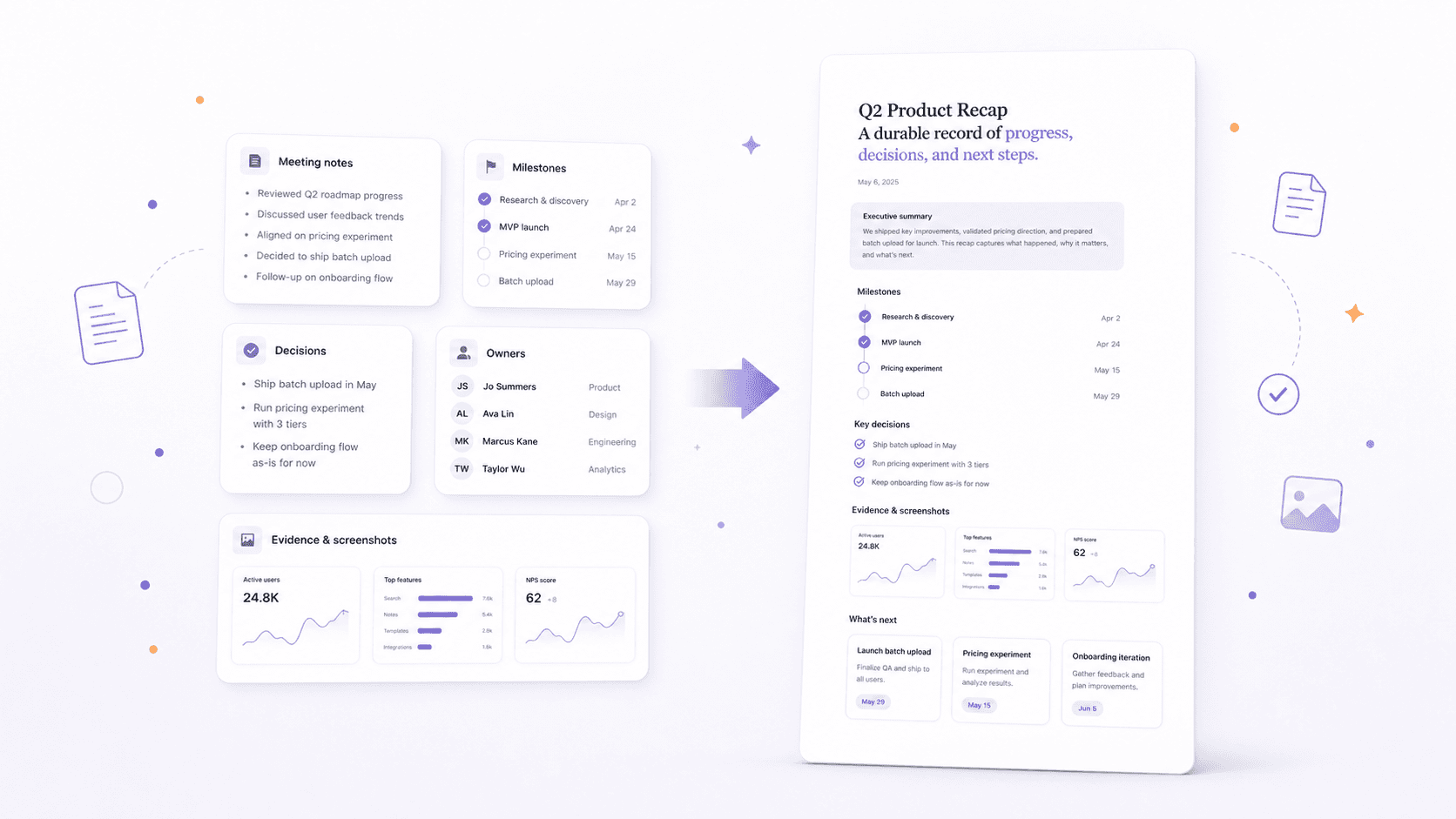
Choose a web page when the content needs enough context to be read, shared, and returned to over time.
Choose a web page instead of an infographic when the subject needs explanation and supporting context. Choose it instead of a carousel when readers may need to scan, return to a section, or use the result as a durable reference rather than follow one fixed sequence.
These examples show different ways to use the same format.
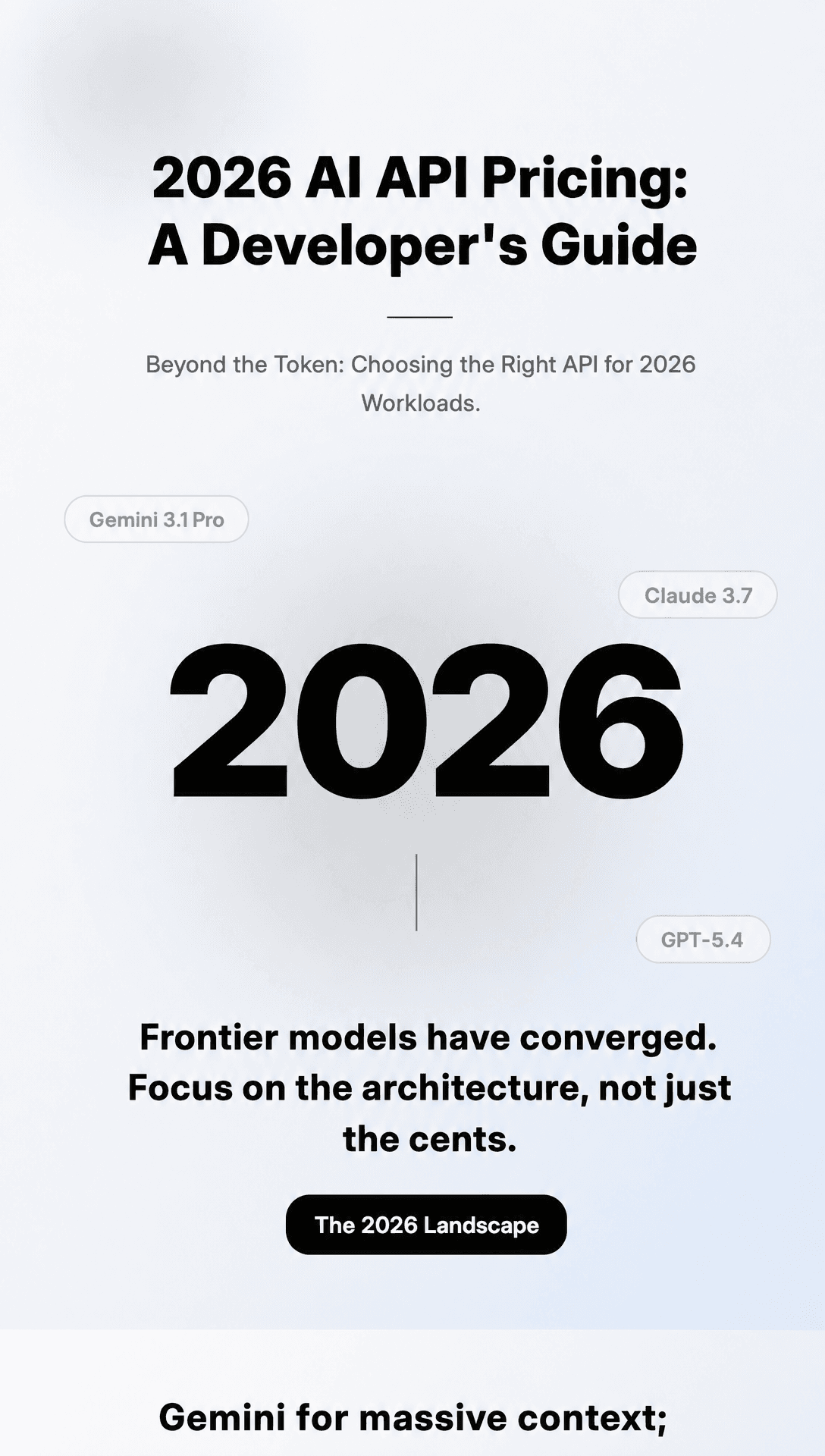
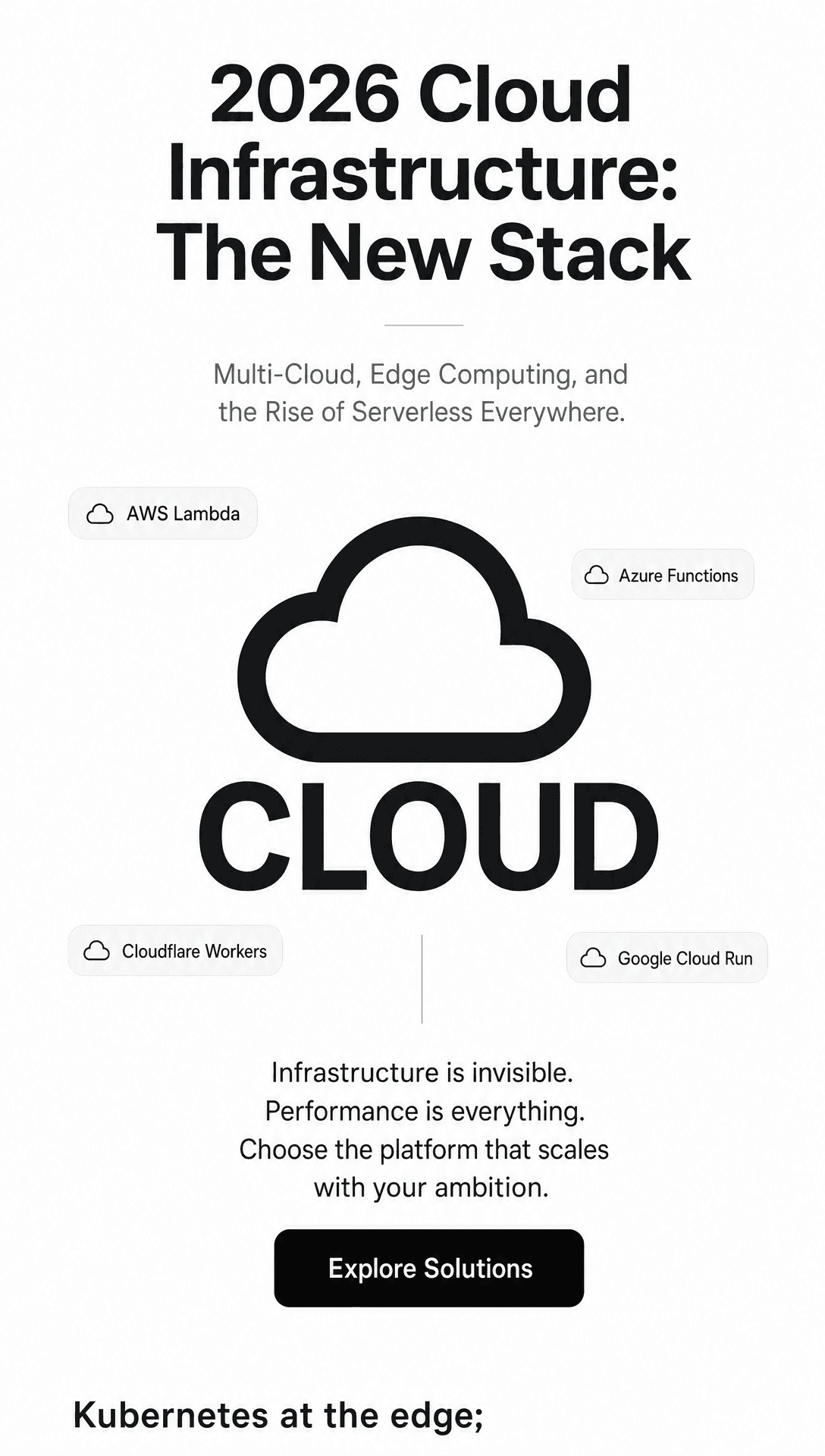
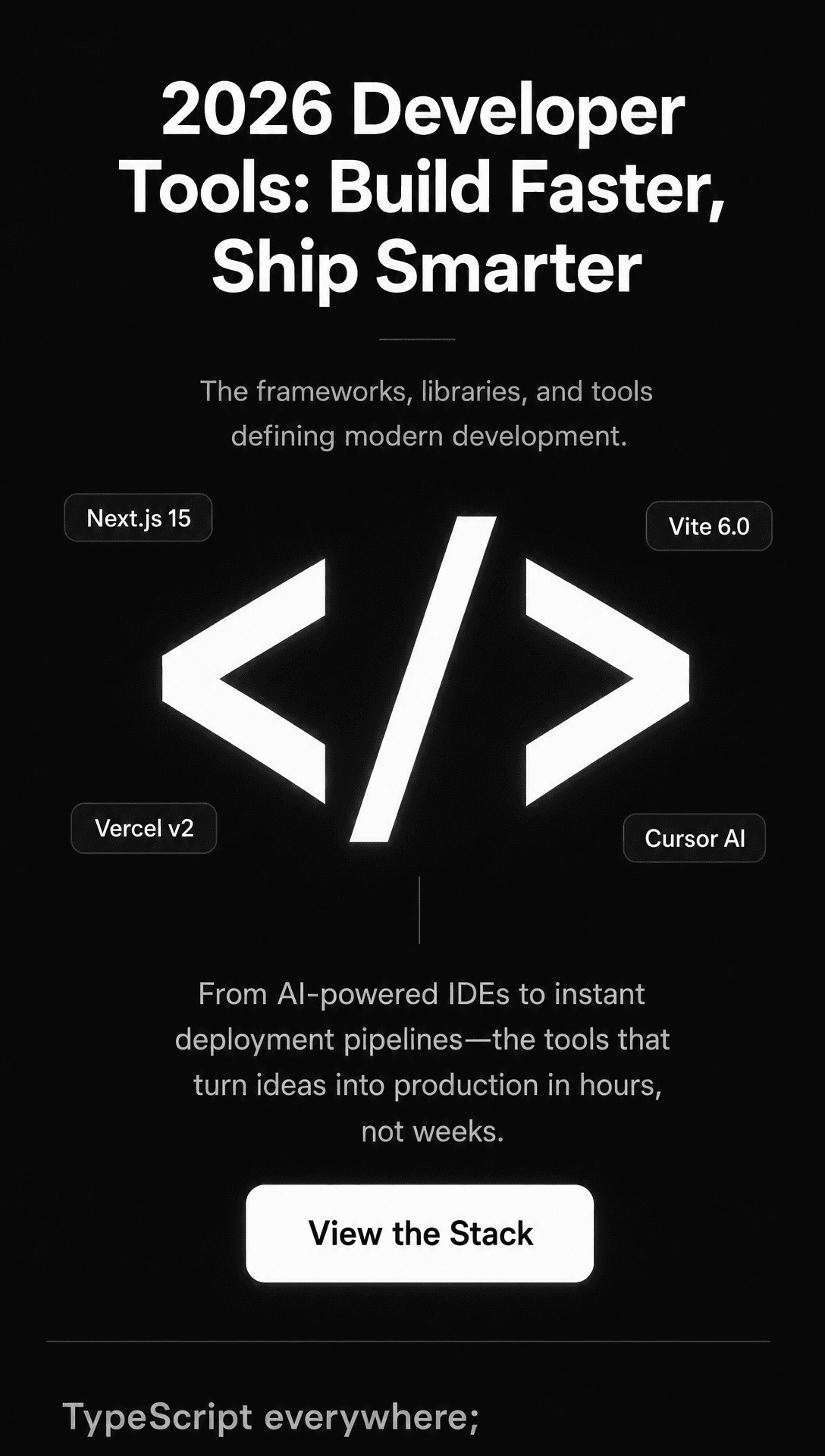
FormaLM organizes the content for the format you chose. Review it before you publish or use it.
Decide whether the page should brief, summarize, explain, document, or align a reader around a decision.
Add notes, documents, links, screenshots, or a rough draft without manually rebuilding the structure first.
Use sections that reflect what the reader needs to understand, find, or do next.
Check whether someone can understand the context, main points, and next step without the original conversation.
Check the facts, order, context, and visual choices.
FormaLM can shape source material into structured briefing pages, research summaries, recaps, internal FAQs, guides, and product explanations. It is intended for focused pages with a clear information job, not complex multi-page websites or custom application interfaces.
A current web page generation uses 40 credits. The product shows the cost before generation, and each plan includes a fixed monthly credit allowance.
No. FormaLM helps turn source material into a finished, structured page. Use a full website builder or development workflow when you need custom navigation, application logic, a larger site architecture, or detailed production control.
Bring your rough material and answer a few questions. FormaLM builds the prompt and creates the format on iPhone or on the web.