
How to turn research into a short video
Reduce research into a hook, a few supporting points, and a clear close.
Read guideAI short video format
An AI short video maker turns one idea or set of sources into a hook, a short sequence, and a close. FormaLM helps choose what to keep before the video is made, so the result does not feel like a document squeezed into a smaller space.
Product facts reviewed
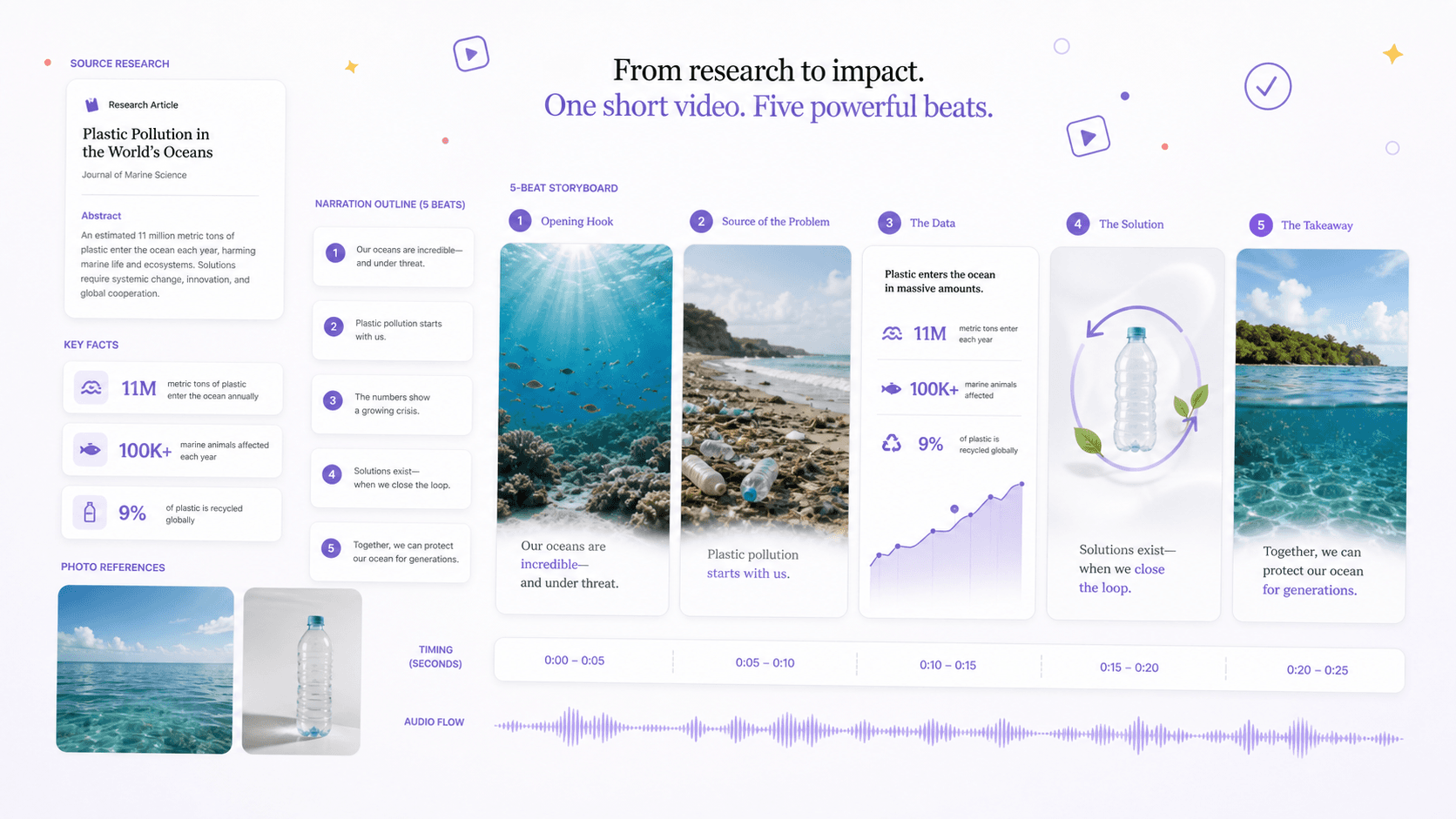
Choose a short video when motion, narration, timing, or a guided viewing sequence is part of how the idea should land.
Choose a short video instead of a carousel when motion, narration, demonstration, or timing adds meaning. Choose it instead of a web page when the idea benefits from a guided sequence and can survive compression into a small number of beats.
These examples show different ways to use the same format.
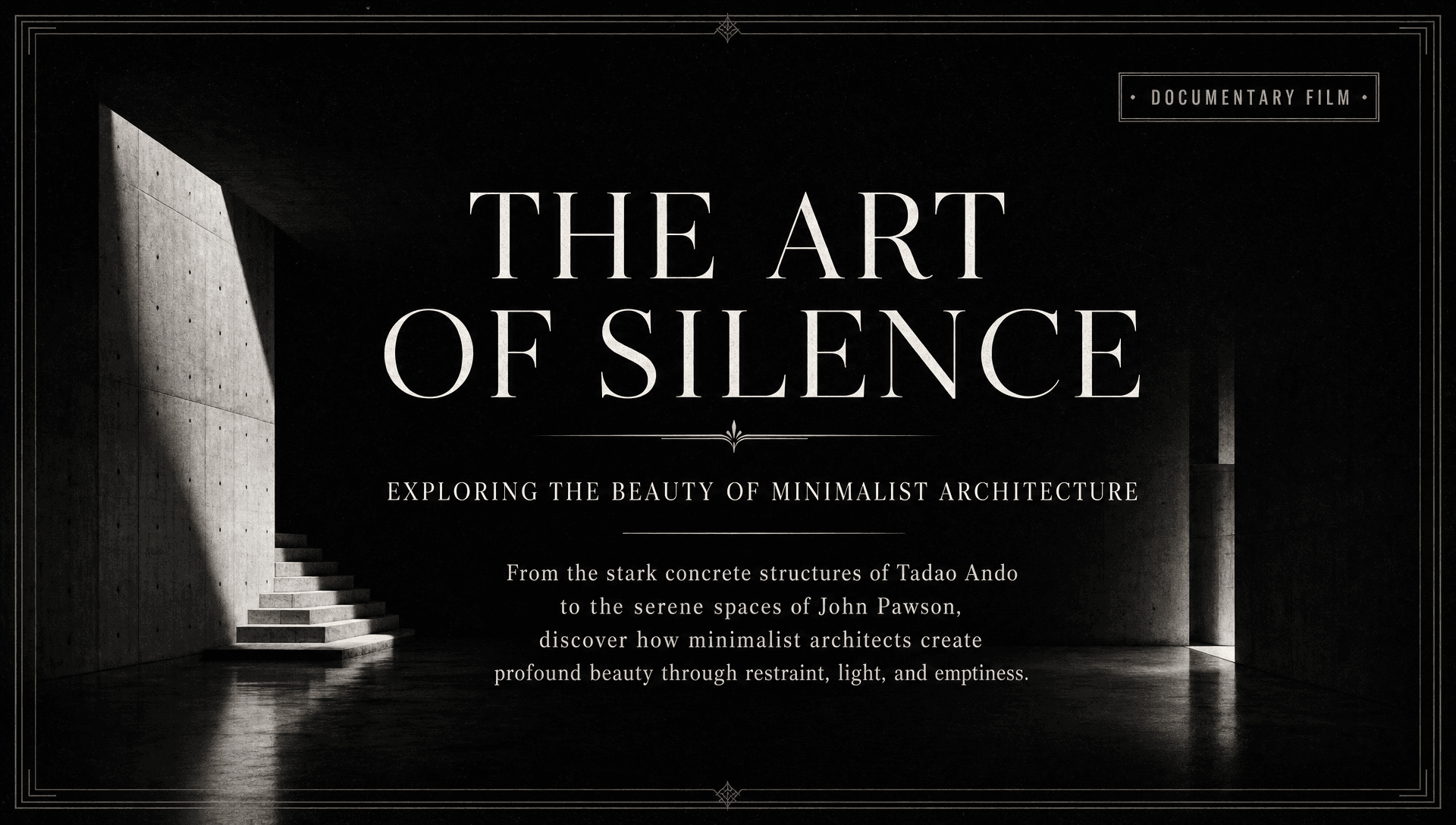

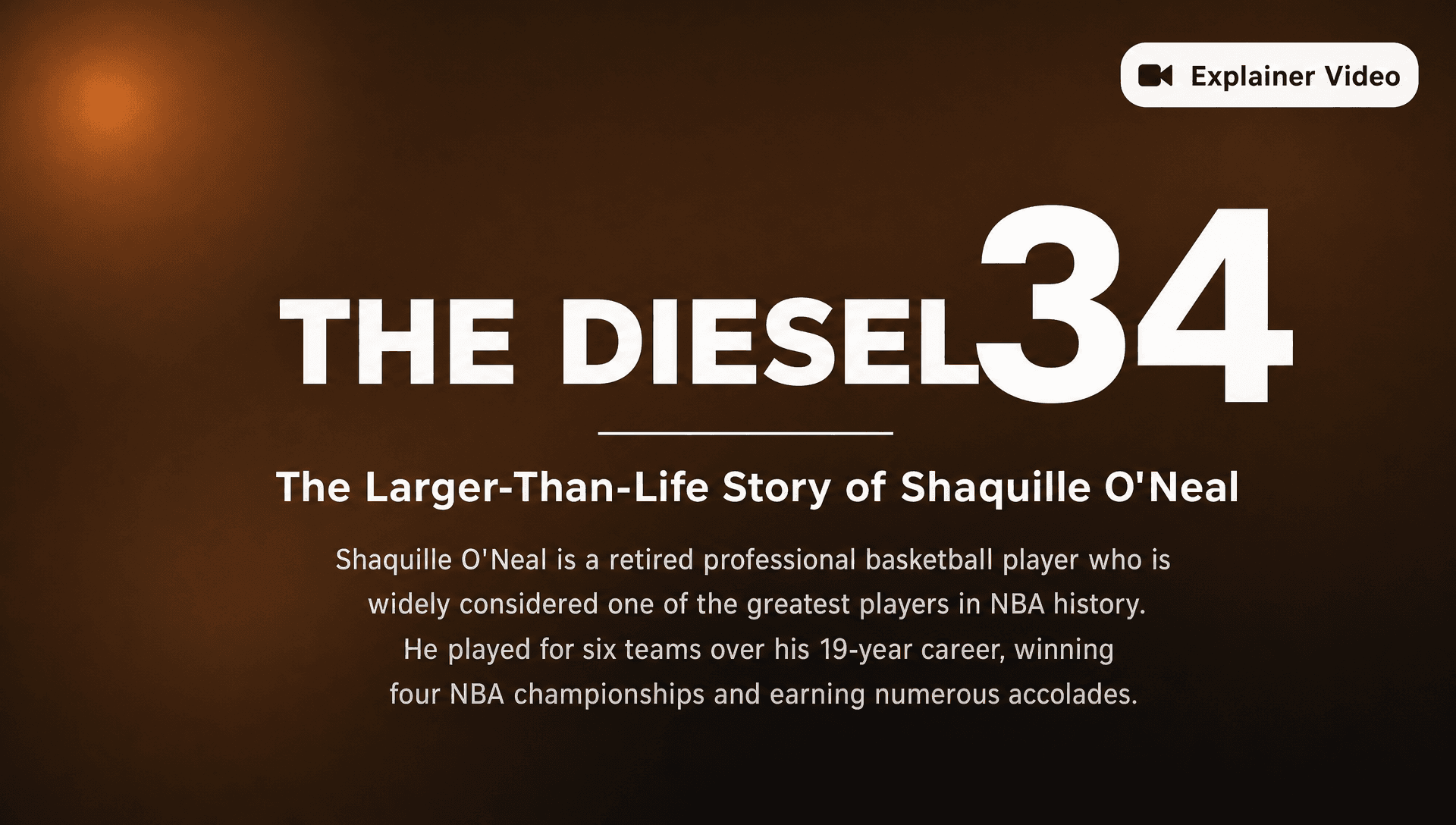
FormaLM organizes the content for the format you chose. Review it before you publish or use it.
Decide what the viewer should understand or feel by the end instead of trying to preserve the whole source set.
Keep the findings, examples, or product moments that sharpen the central point and remove interesting residue.
Arrange the hook, setup, development, and close before expanding the material into spoken copy or visuals.
Check that the video can carry the idea at the intended pace and that every factual claim remains supported.
Check the facts, order, context, and visual choices.
Research, notes, articles, product material, and focused ideas work when they can be reduced to one takeaway and a small number of beats. The source does not need to be script-ready before it enters FormaLM.
A current short-video generation uses 50 credits. The cost is shown before generation, and the pricing page lists the credit allowance included with each plan.
Yes. Review claims, spoken clarity, pacing, captions, visual context, and whether the sequence fits the intended duration. Source-grounded accuracy can be weakened when research is compressed, so human review remains essential.
Bring your rough material and answer a few questions. FormaLM builds the prompt and creates the format on iPhone or on the web.