
How to turn notes into a carousel post
Reduce a pile of useful points into a sequence with a clear beginning and close.
Read guideAI carousel format
An AI carousel maker turns one focused idea into a slide-by-slide sequence with a clear opening, progression, and close. FormaLM helps decide what each slide needs to do before the content is distributed across the carousel, so the result reads as one coherent story rather than disconnected cards.
Product facts reviewed

Choose a carousel when one idea needs to unfold in a controlled sequence that readers can move through slide by slide.
Choose a carousel instead of an infographic when the argument benefits from controlled pacing and progressive disclosure. Choose it instead of a short video when the reader should move at their own speed and the idea does not require motion or narration.
These examples show different ways to use the same format.
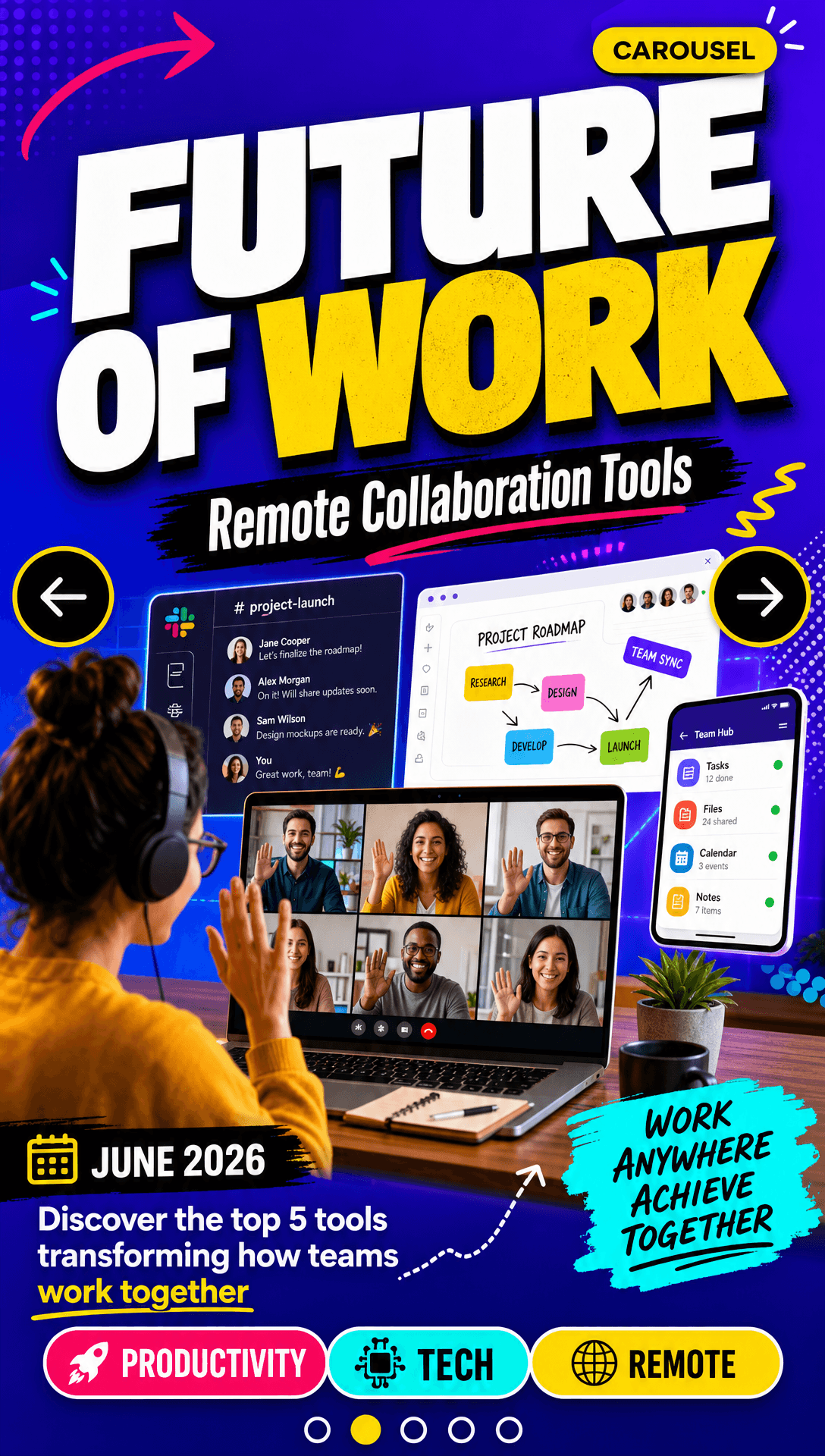

FormaLM organizes the content for the format you chose. Review it before you publish or use it.
Reduce the source material to a focused takeaway instead of asking the sequence to hold every useful point.
Bring the notes, links, article, or research and clarify who should understand or act on it.
Map the opening, supporting beats, transition, and close so every card has a clear role.
Check that the story moves cleanly, the text remains readable, and the close earns its place.
Check the facts, order, context, and visual choices.
Carousel source material should contain one central idea and a small number of supporting beats that benefit from sequence. Notes, articles, research fragments, project updates, and guides all work when they can be reduced to a clear opening, progression, and close.
A current carousel generation uses 20 credits. The generation cost is visible before creation, and the pricing page lists the credit allowance for each plan.
No. A carousel reveals information across a sequence of slides, while an infographic usually presents relationships within one visual field. Choose based on whether the reader needs pacing or an at-a-glance structure.
Bring your rough material and answer a few questions. FormaLM builds the prompt and creates the format on iPhone or on the web.