
Infographic
Choose this when the main relationships should be visible together.
12 credits4 output formats
Start with a rough idea, a few notes, or something you saved. Choose an infographic, carousel, web page, or short video based on how people will use it.
Product facts reviewed
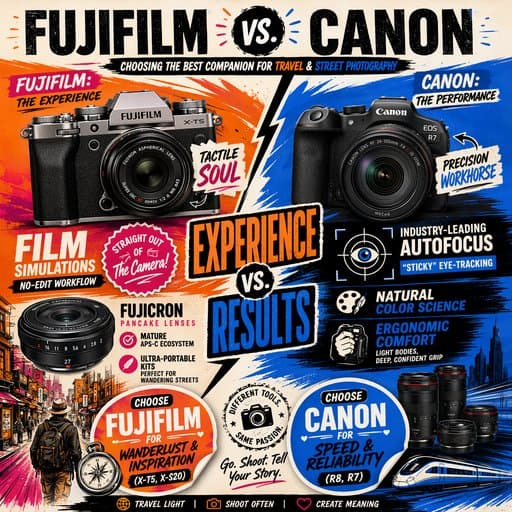

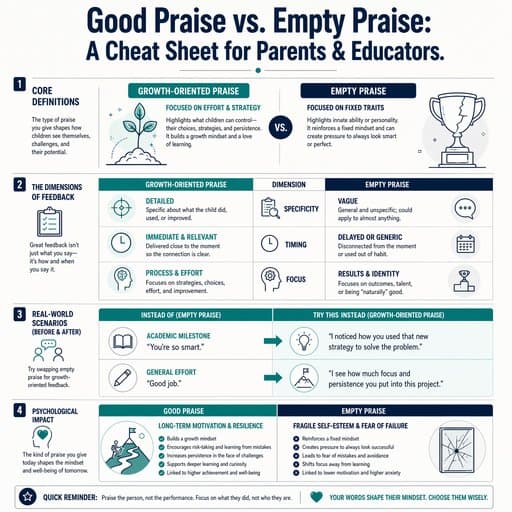



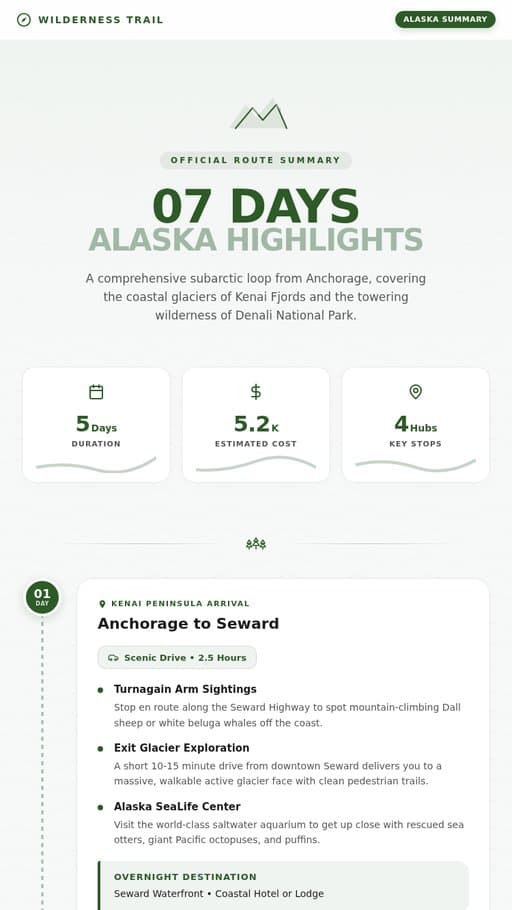

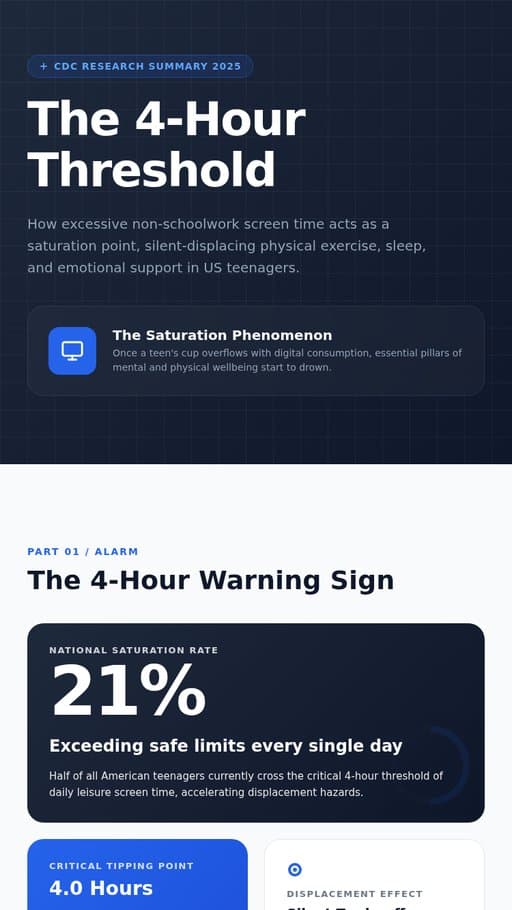

Use an infographic for a quick visual explanation, a carousel for a sequence, a web page for more context, or a video for motion and narration.
Choose this when the main relationships should be visible together.
12 creditsChoose this when someone should move through the idea one card at a time.
20 creditsChoose this when the result needs sections, context, and room to revisit.
40 creditsChoose this when motion, pacing, or narration helps the idea make sense.
50 creditsAlready know what you want to make? Browse 37 guided templates by category.
Some formats show everything at once. Others use steps, sections, or motion.
01 / 04
A single visual for comparing options, showing a hierarchy, or scanning the main points.
02 / 04
A sequence of cards that reveals the idea one part at a time.
03 / 04
A structured page with room for context, detail, and links.
04 / 04
A 16:9 sequence of scenes built around one clear takeaway.

Choose by how you want the result to be read or watched. Use an infographic when the main relationships should be visible together, a carousel when the idea should unfold card by card, a web page when it needs sections and context, and a short video when motion or narration helps.
Yes. A set of notes, an article, or saved links can become more than one format. Each version needs a different edit because readers move through a single visual, a sequence of cards, a structured page, and a short video in different ways.
No. Current generation costs are 12 credits for an infographic or single image, 20 for a carousel, 40 for a web page, and 50 for a short video. Costs are shown before generation and listed on the pricing page.
A template asks for the details it needs. You can finish the task on iPhone or on the web.