
How FormaLM works
How FormaLM works: from vague idea to clear form.
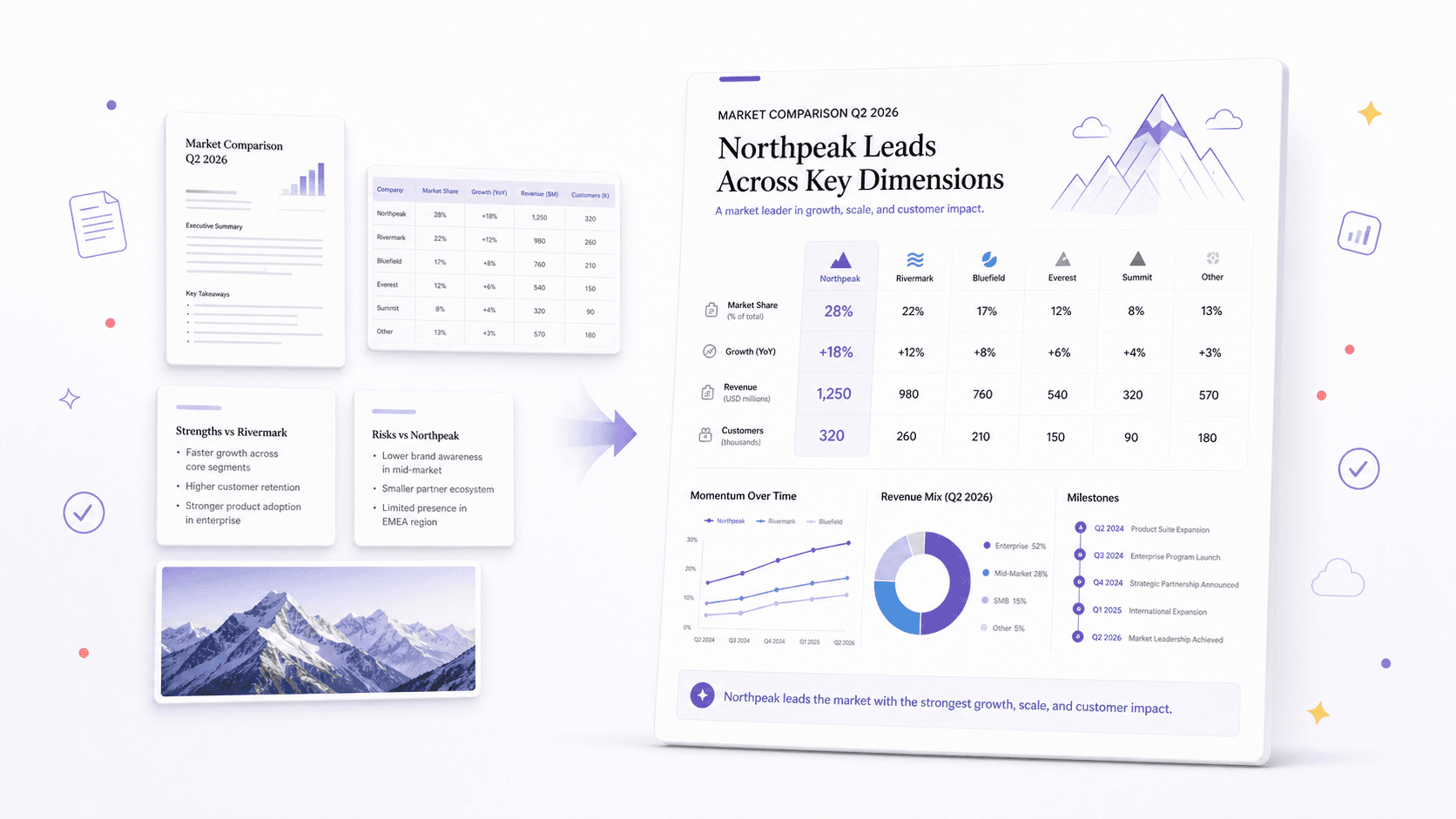
Start with an idea or source material. FormaLM asks a few questions, builds the prompt, and creates an infographic, carousel, web page, or video.
- Guided templates
- 37 bilingual
- Output formats
- 4
- Available on
- Web and iOS
Product facts reviewed

How FormaLM turns an idea into finished content.
Five steps take you from a rough starting point to a result you can review and use.
- 1.0
Start with an idea or source material
Describe what you want to make or bring in notes, text, links, images, and documents. The starting point can still be incomplete.
- 2.0
Choose a task or format
Use a template or choose an infographic, carousel, web page, or short video.
- 3.0
Answer focused questions
Add the audience, purpose, limits, and details FormaLM needs to build the prompt.
- 4.0
Generate in the chosen format
FormaLM creates the infographic, carousel, page, or video you chose.
- 5.0
Review, refine, and use
Check the facts, wording, order, and visuals. Then edit, share, save, or continue the work elsewhere.
Start with what you have.
Your source can be incomplete. Add the details you know, and FormaLM will ask for the rest.
A content need
Start with the job itself when you know what you need but do not have a brief yet.
Text and notes
Paste rough notes, meeting material, draft copy, research fragments, or an existing article.
Links
Add source pages when they contain information the result should use.
Images and documents
Attach screenshots, reference images, or document files when the useful context is not contained in plain text.
Choose the format that fits the job.
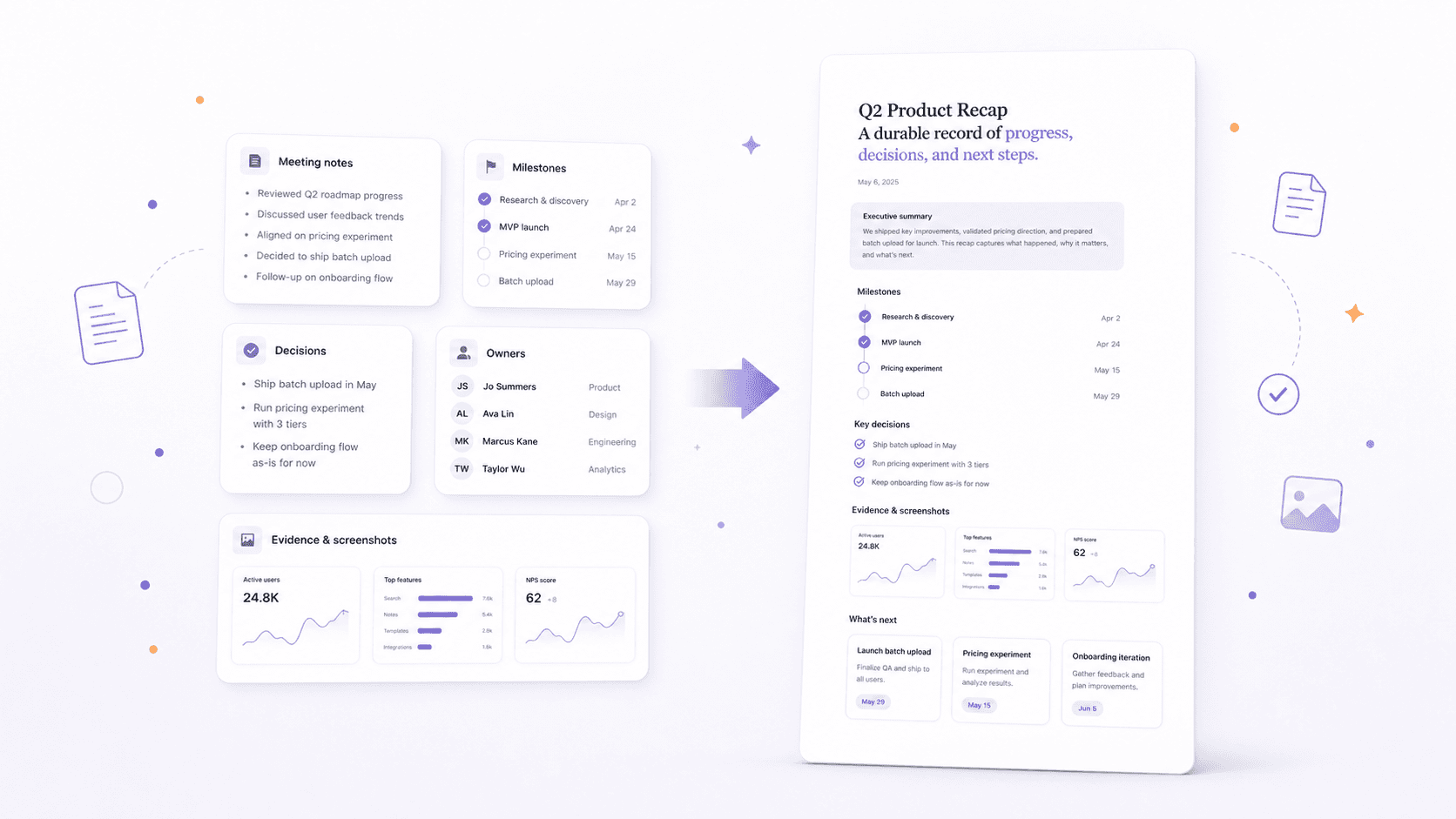
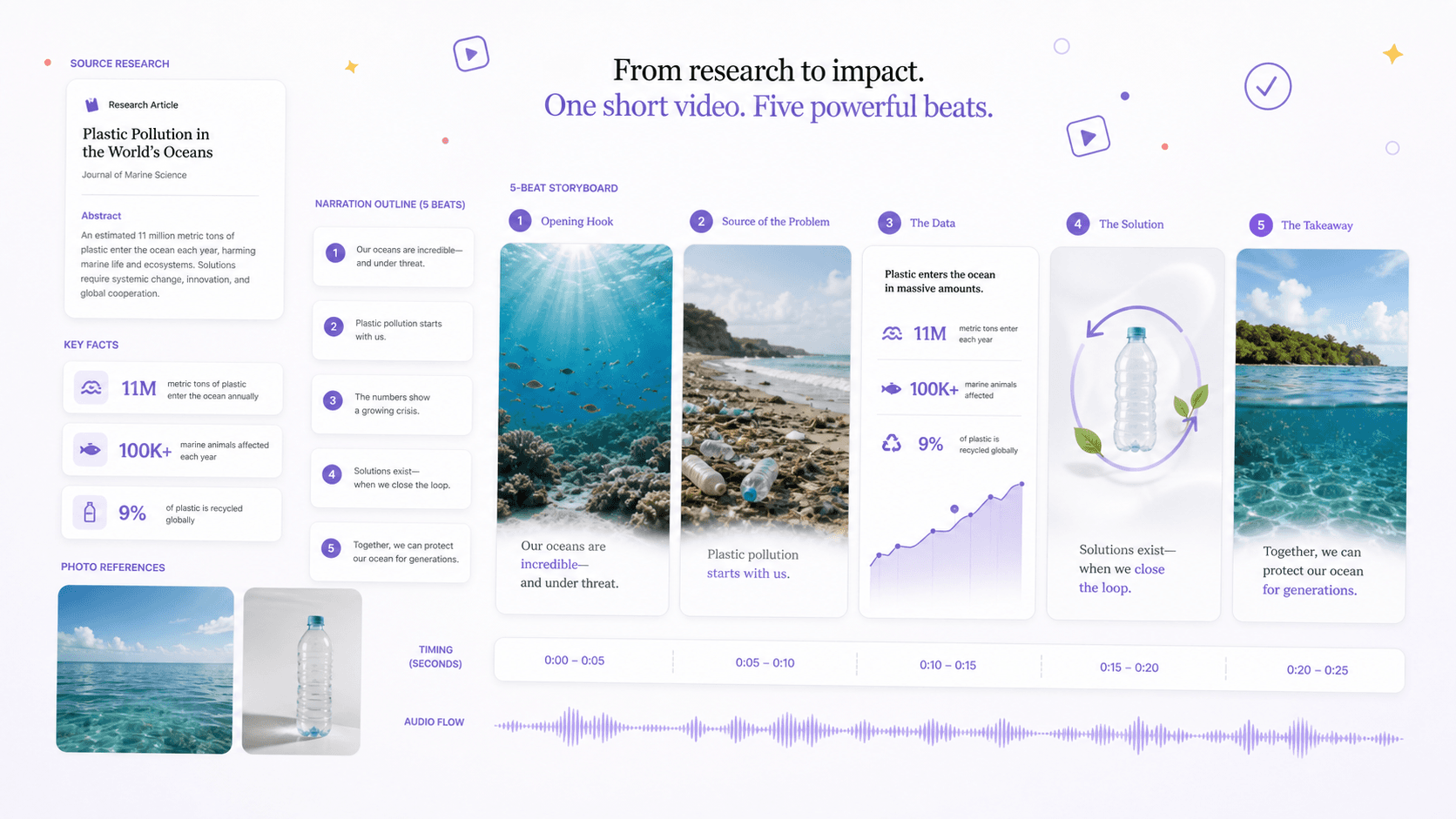
Make something people can scan, read step by step, return to as a page, or watch as a short video.

Use FormaLM when you know what you want to make.
FormaLM is useful when the idea is there but the prompt or content is not ready.
FormaLM fits when
- You know the content job but not the exact prompt.
- The source material is useful but fragmented.
- You want simple questions to help confirm the direction.
- You need a usable result without a complex production process.
A specialist tool fits when
- You need pixel-level design control or a complex editing timeline.
- You are building a large website, application, or long-form production.
- The task is open-ended ideation with no intended output.
- The content is regulated or high-stakes and requires expert approval.
FormaLM uses credits for generation. See plans and format costs.
Questions about FormaLM
How does FormaLM work?
Start with an idea or source material, choose what you want to make, and answer a few questions. FormaLM builds the prompt and creates an infographic, carousel, web page, or short video.
What kind of tool is FormaLM?
FormaLM helps you turn an idea or source material into finished content. Use another tool when you need open-ended chat, detailed design control, or professional video editing.
Do I need to know how to write prompts?
No. Start with an idea, notes, text, links, images, or documents. FormaLM asks for the missing details and builds the prompt from your answers.
Does FormaLM produce a final result automatically?
FormaLM creates a result you can review, edit, share, or use. Check the facts, wording, privacy, and visuals before using it. Regulated or high-stakes content still needs qualified human review.
Who is FormaLM for?
FormaLM is for individuals and small teams who regularly turn ideas, notes, research, and other source material into content they can use or share.
Start with the material you already have.
Choose a format, bring in the source, and shape the work into something you can review and use.