
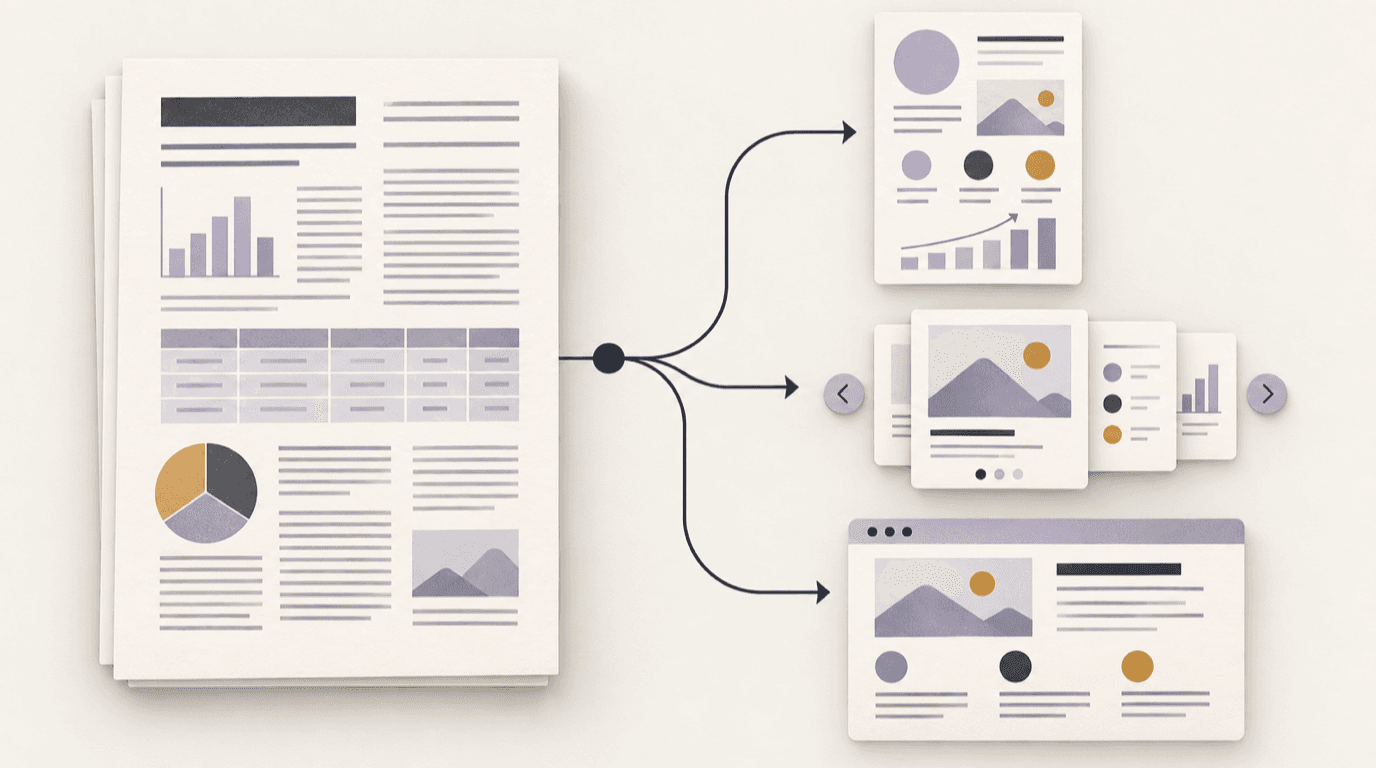
Turn a PDF into visual content by naming one reader outcome
Start with a sentence about what the reader should understand, decide, or do after seeing the result. “Summarize this report” is a source description, not an outcome. “Help a teammate compare the three options” or “explain the sequence behind this finding” gives the work a clearer job.
That job limits what belongs in the new format. A long document can contain background, evidence, exceptions, and appendices. A visual usually needs one main idea, a small set of supporting details, and enough context to keep the idea accurate. Anything else can remain in the PDF.
Map the PDF before you summarize it
Read the document for structure, not just for sentences. Note its title and date, section headings, diagrams, tables, footnotes, and any definition that changes how a number or claim should be understood. If the PDF is scanned or its text is difficult to select, inspect the extracted material against the page images before drafting; missing text is not evidence that a detail is unimportant.
Create a small source map for the material you plan to reuse:
| Source-map field | What to capture |
|---|---|
| Claim | The one statement the visual is meant to carry |
| Location | Page, section, chart, or table that supports it |
| Context | Date, audience, unit, definition, or comparison period |
| Qualification | Caveat or condition that changes how the claim should be read |
| Visual role | The relationship the reader should see: sequence, contrast, hierarchy, or trend |
This map is not a bibliography for its own sake. It gives you a way to verify the shortened output without rereading the entire document every time.
Match the PDF to one output format
Different formats solve different reading problems. Choose one primary output instead of asking a single draft to be an infographic, a slide deck, and a video at once.
| Format | Use it when the reader needs to… | Watch for… |
|---|---|---|
| Infographic | See a comparison, process, or set of related points in one view | Too many facts competing for the same page |
| Carousel | Follow an argument or sequence one step at a time | Treating each card as a cropped PDF page |
| Web page | Return to a structured reference with sections and links | Removing details readers need to verify or act |
| Video | Hear an idea explained through a paced sequence | Hiding precise values or caveats in narration |
For a visual format overview, see FormaLM’s format guide. If the source is best explained in stages, use the PDF-to-carousel workflow. If its value is a one-view relationship, use the PDF-to-infographic workflow. A research source that depends on spoken progression may also fit the existing research-to-short-video guide.
Reduce the source without breaking its argument
Once the format is chosen, select only the details that help the reader follow the main idea. A practical first pass is one central point, the evidence that supports it, and the qualification that prevents the evidence from being overstated. The exact number of supporting details depends on the source and the chosen format; completeness is not a reason to make the visual crowded.
Imagine a report describing a multi-stage onboarding process. A one-page infographic might show how the stages connect. A carousel might explain one transition at a time. A web page might be better if the reader needs to revisit the full checklist. These are possible treatments of a hypothetical source, not claims about customer results.
Keep the original PDF available when the visual is a summary rather than a replacement. A link to the source lets a reader inspect the method, detail, or evidence that could not fit in the new format.
Review every visual against the original PDF
Shortening a source creates opportunities to lose meaning. Before sharing, check each retained statement against its source location. Pay particular attention to:
- numbers, units, denominators, and time periods;
- labels that define what a category includes;
- the difference between correlation, sequence, and cause;
- qualifiers such as “in this sample,” “as of this date,” or “under these conditions”;
- whether the visual implies a stronger conclusion than the PDF supports.
Use a deliberate review gate: if a reader could reach a different conclusion after seeing the original table, footnote, or methods section, restore the missing context or choose a more detailed format. FormaLM’s AI draft readiness checklist offers a separate way to review source fidelity and handoff readiness.
When the PDF should remain the main reference
Not every document benefits from compression. Keep the full PDF central when the reader must inspect methods, detailed calculations, contractual wording, safety instructions, or a long appendix. A visual can still act as an entry point, but it should not imply that it replaces a source whose exact details matter.
A source-first PDF workflow in FormaLM
FormaLM supports starting from document material, then guiding the missing decisions before creating an infographic, carousel, web page, or video draft. It is useful when the source exists but the right finished form is not yet obvious. Choose one output, review it against the PDF, and refine anything that changes the source’s meaning before sharing.
The same process works without a creation tool: identify the reader outcome, map the source, choose the format, and verify the reduced draft. Start with how FormaLM works, or go directly to the carousel and infographic format guides.