Document summary template
Condense a long document without losing the decisions or details you may need later.
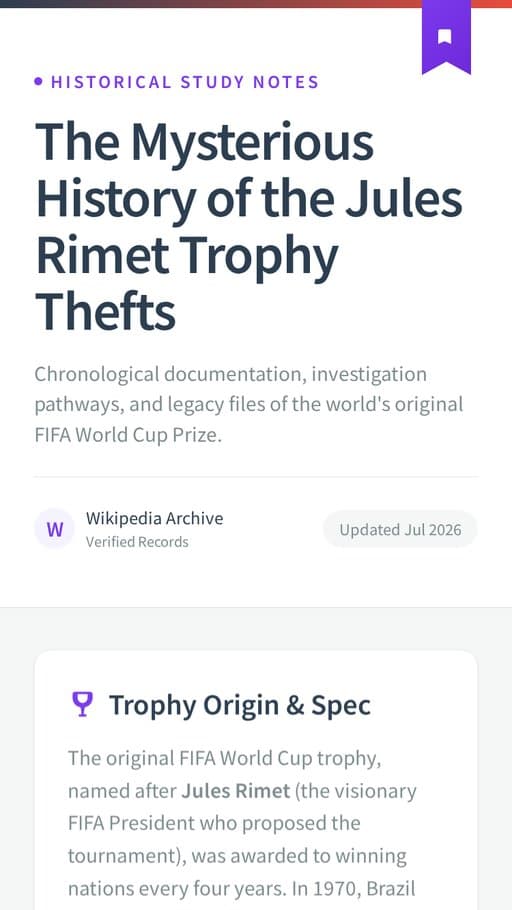
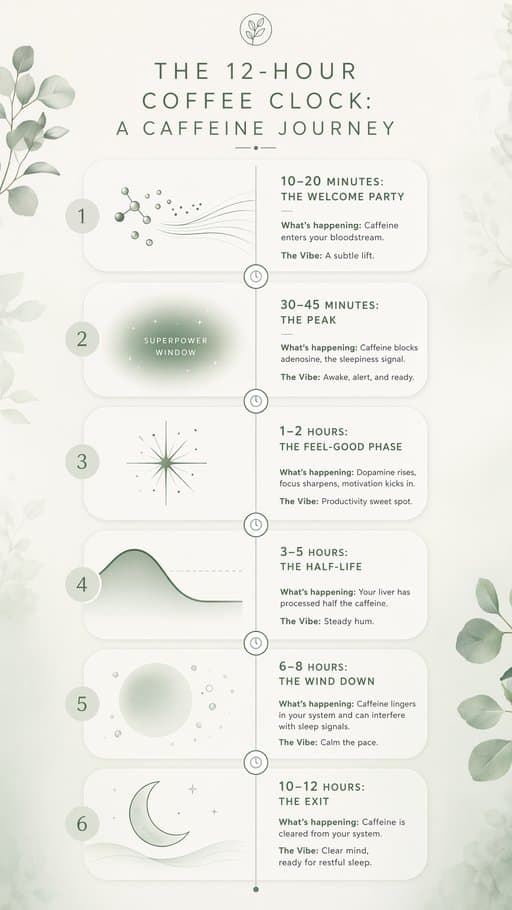
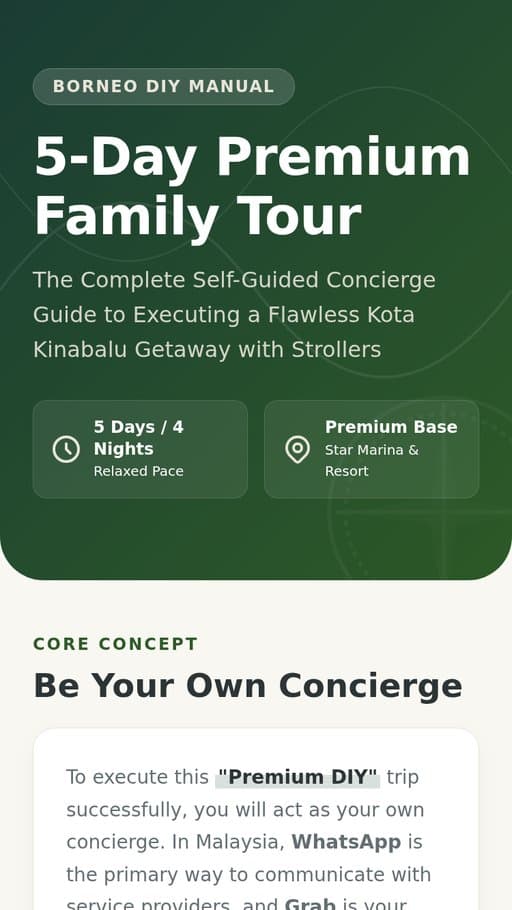
See real web page outputs
These are real FormaLM examples in the same output format.
Bring the material. Choose the finish.
The template supplies the structure between the two.
- Start with
- TextDocuments
- Finish as
- Web page
Start with a real task
Open the template with the job already in focus.
Questions that fit the task
Start with what you know. FormaLM asks for the details this task needs before generation.
Begins with Document and Focus
Start with what you know. The template asks for the remaining details.
Uses the material you already have
Add text, documents when they give the result more useful context.
Keeps the result focused on the task
Condense a long document without losing the decisions or details you may need later.
Finishes as Web page
Choose the format before you generate, then review and edit the result.
Ways to use this template
Choose the situation closest to the work you need to finish.
- 01
Keep the useful parts of a long document
Add the source and identify the question the summary should help answer.
A shorter page built around the information you need. - 02
Make a report easier to revisit later
Keep the findings, evidence, and section references that matter after the first read.
A summary that works as a durable reference. - 03
Share the decisions and evidence without forwarding the whole file
Separate the conclusion from its support and preserve the context another reader needs.
A shareable page with the decision trail intact.
Where the workflow starts
FormaLM begins with the task, source material, and intended format already defined.
| Decision | General AI chat | Manual tools | FormaLM |
|---|---|---|---|
| Starting point | An open prompt | A blank document or canvas | The document summary inputs that fit the job |
| Setup | Depends on how the request is phrased | Built section by section | Guided by the template before generation starts |
| Source material | Usually pasted into one conversation | Collected and arranged by hand | text, documents can stay connected to the task |
| Result | Usually plain text | Requires manual composition | Web page |
Who this template helps
Use it when you know the job and want a structured first draft.
People organizing ongoing work
Turn scattered material into a clear next step or reference.
Small groups and collaborators
Make the important context easier to share without rebuilding it each time.
Anyone keeping a project moving
Create a durable page for the decisions and details that should not get lost.
Common questions
What you can add, which formats are available, and how to review the result.
What do I need to start a document summary?
Start with Document and Focus. You can also add text, documents when they help provide context.
What does the document summary template create?
It creates a structured page that is easy to revisit. You can review and refine the first result before sharing it.
Can I choose a different output format for this document summary?
Yes. This template supports Web page. The available options appear in the template before you create.
Do I need to write a detailed prompt?
No. Start with what you know. The template asks for the missing details and builds the prompt for you.
Can I edit the result after it is created?
Yes. Review the content and format, then edit the result before you use or share it.
Related templates and formats
Choose another template when the material needs a different structure.