
Introduction
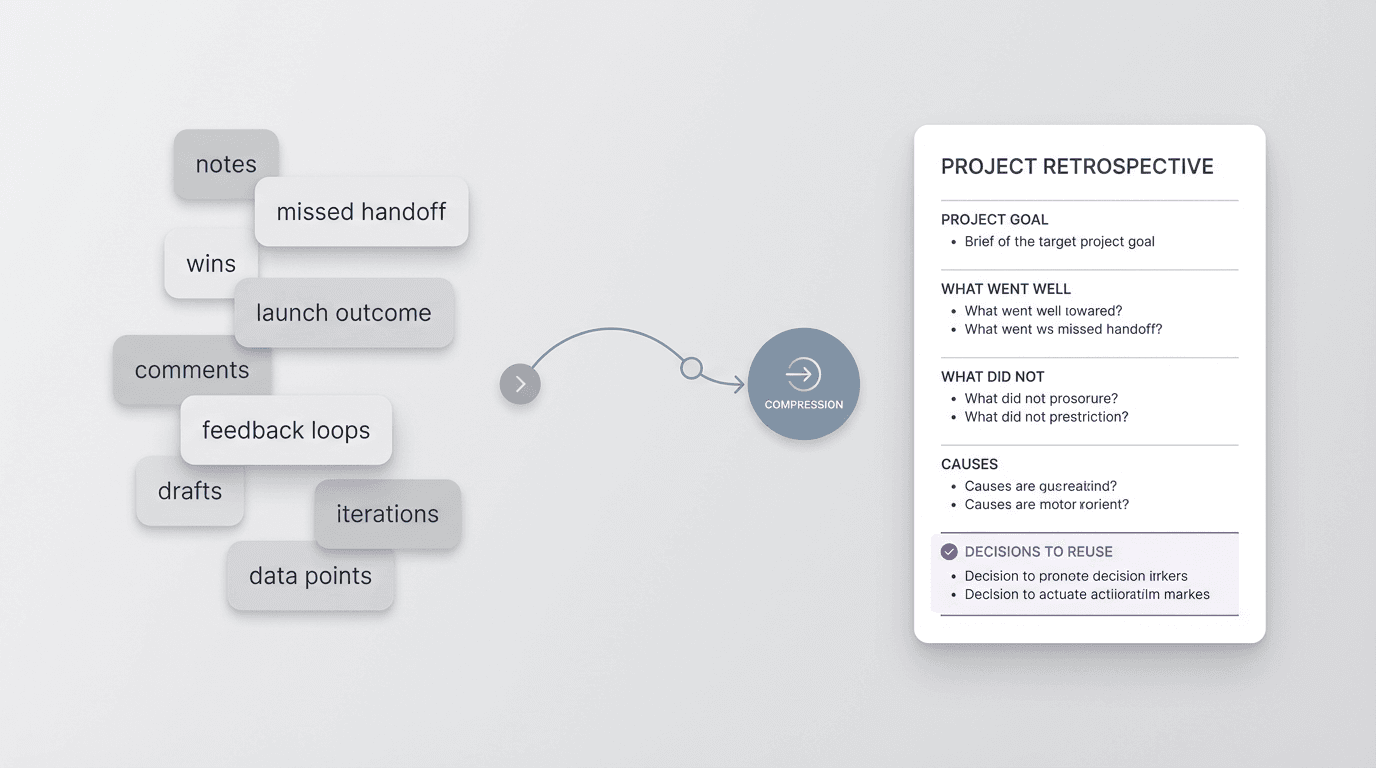
A good project retrospective template helps because it gives the team a stable structure for looking back. But the harder step usually comes before the final document. Someone still has to compress messy input into a format that surfaces patterns, decisions, and next moves clearly.
FormaLM uses the known retrospective shape to organize scattered input into a version with conclusions the team can reuse.
Why a project retrospective template matters
A project retrospective template is helpful because it keeps the conversation from drifting into a loose history lesson.
Without a template, retrospectives often become a pile of anecdotes. One person remembers the launch timeline. Another remembers the approval bottleneck. Someone else remembers that the messaging changed too late. All of that may be true, but truth alone does not make the output usable.
The template creates pressure in the right direction. It asks the team to sort what happened into a smaller number of useful categories, so the retrospective can produce decisions instead of just discussion.
A retrospective should help a team answer questions like:
- what were we trying to do
- what worked
- what slowed us down
- why those things happened
- what should we repeat, change, or stop next time
If those answers are clear, the retrospective has value. If they stay buried in scattered commentary, the meeting may feel thoughtful without creating much carry-forward value.
What startup teams need from a retrospective
Startup teams usually do not need a heavyweight postmortem process for every project.
They need a format that is light enough to finish and structured enough to reuse.
That balance matters. If the format is too loose, the output becomes vague. If it is too heavy, the retrospective gets delayed until nobody wants to do it. The strongest project retrospective template for startup teams usually does three things well:
- it keeps the scope of the project visible
- it separates observation from interpretation
- it ends in reusable decisions, not generic takeaways
That last point is where many retrospectives weaken.
Teams often write conclusions like "communicate earlier" or "align better across functions." Those statements are not wrong, but they are too abstract to help much on the next project. A better retrospective forces the judgment into something more operational, such as when decisions should be locked, what review sequence should happen, or which handoff format should be reused.
What a good project retrospective template should include
A useful project retrospective template usually includes a small set of sections:
- project summary
- original goal
- what went well
- what did not go well
- root causes or contributing factors
- decisions to reuse
- changes for the next project
- owners or follow-up actions
This structure works because it moves from context into evaluation and then into reuse.
The point is not to document everything that happened. The point is to produce a version of the project that another team member can read later and understand quickly enough to make a better decision.
The strongest templates ask what the team should carry forward along with the wins and challenges. A retrospective that cannot be reused is only half finished.
A project retrospective template you can reuse
Here is a practical project retrospective template for startup teams:
Project name
Name the initiative clearly.
Project summary
What was shipped, launched, tested, or completed?
Original goal
What result was the team aiming for?
What went well
What contributed positively to the outcome or made execution smoother?
What did not go well
What created delays, confusion, rework, or weaker results?
Root causes
Why did those wins or failures happen? Look for the causes behind the symptoms.
Decisions to reuse
What should become part of future workflow, review structure, or team process?
Changes for next time
What should be done differently on the next project?
Owners and follow-up
Who is responsible for carrying the changes forward, and where will they show up next?
This template is simple on purpose. It is enough structure to turn messy recall into a stable team artifact without becoming an overly formal exercise.
A filled example for a startup launch retrospective
The format becomes more useful when you can see how it reads in practice.
Imagine a startup team running a launch for a new onboarding flow.
Project name
New onboarding flow launch
Project summary
The team shipped a revised first-run experience, updated lifecycle email copy, and published supporting product education content over a two-week rollout.
Original goal
Improve first-session activation by making the path from account creation to first usable result easier to understand.
What went well
Product, design, and content aligned early on the user journey. The rollout checklist was clear. Support was briefed before launch.
What did not go well
Final copy decisions happened too late. Analytics definitions changed mid-project. Approval on lifecycle emails became a bottleneck in the final week.
Root causes
The team did not lock message hierarchy early enough. Dependencies between product UI and email copy were visible, but they were not captured in one shared planning format.
Decisions to reuse
Lock the onboarding message hierarchy before design polish starts. Use one shared launch brief for product, lifecycle, and support content. Define analytics events before rollout assets are finalized.
Changes for next time
Add a dependency review one week earlier. Make lifecycle email approval part of the core launch timeline instead of a trailing task.
Owners and follow-up
Product lead updates the launch brief template. Lifecycle owner adds approval timing to the launch checklist. Analytics owner documents event definitions before the next onboarding release.
This example is not valuable because it remembers every detail. It is valuable because it turns the project into reusable operating judgment.
Why most retrospectives fail even when the team has a template
The main problem is usually not the template itself.
The problem is that retrospectives often begin with raw input that is still too messy to fit the format cleanly.
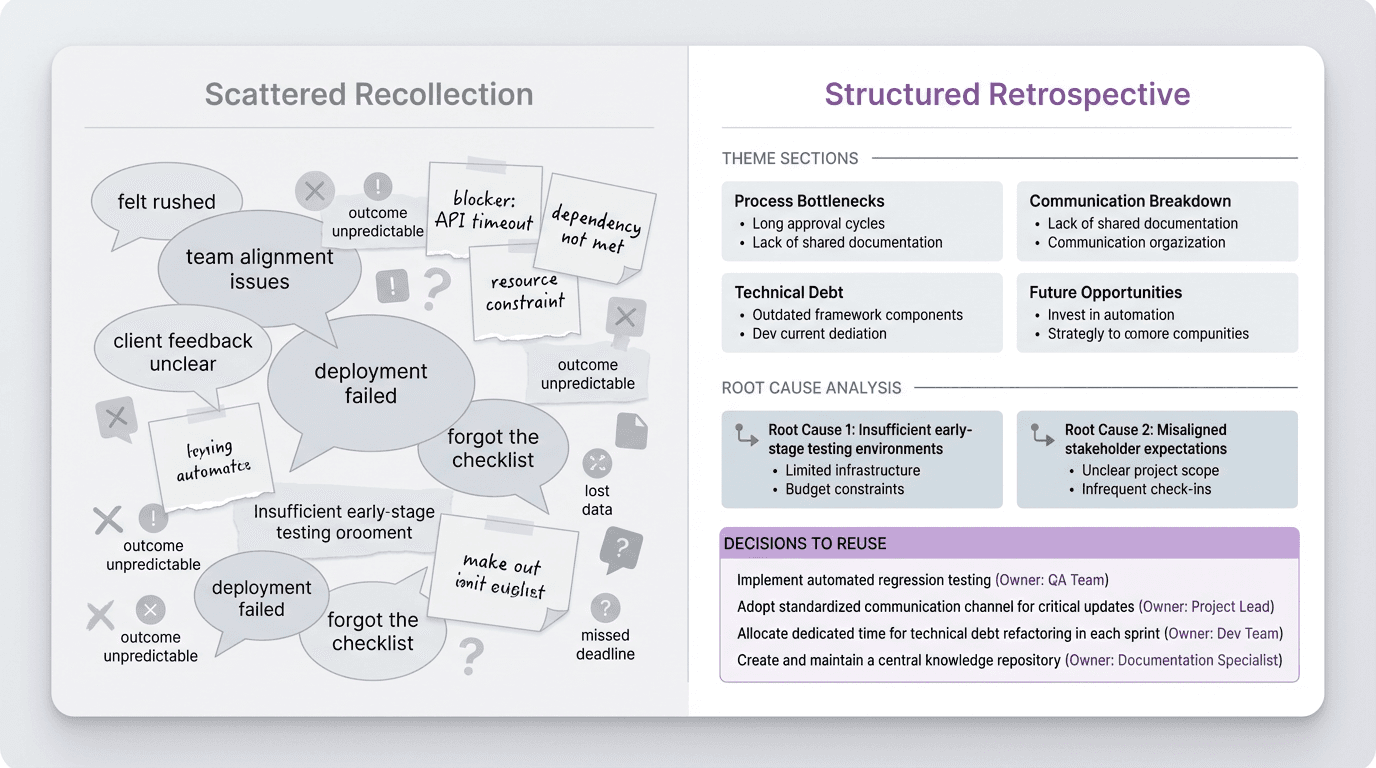
People bring fragments. They remember moments differently. Some points are really causes, while others are only symptoms. Some comments are about process, while others are about outcomes. If that material is copied directly into the template, the document becomes full without becoming sharp.
Retrospectives can feel sincere and still fail to help the next project when they stop at raw observations.
The team completed the ritual, but the output never made the leap from memory to judgment.
That leap requires compression. Someone has to group repeating issues, separate major causes from noise, and turn a vague lesson into a reusable decision. Taking notes alone will not do that work.
How to run a better retrospective with this template
If you want the project retrospective template to produce better output, the most useful move is to structure the input before the final write-up.
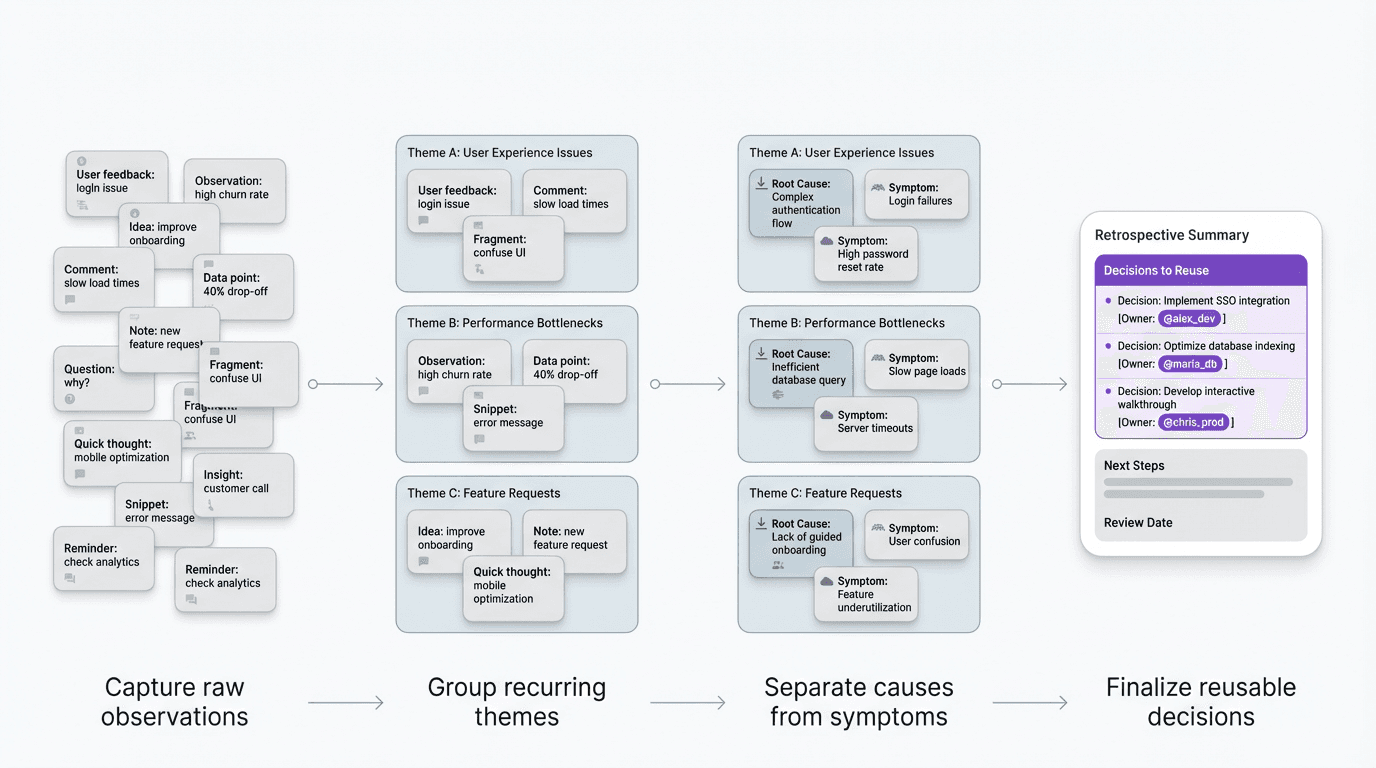
That usually means:
- collect the raw observations while details are still fresh
- group similar comments into a smaller number of themes
- separate outcomes from causes
- translate broad lessons into specific decisions
- assign follow-through so the retrospective changes something real
Teams lose momentum in the intermediate shaping work. Once the output is defined as a retrospective, FormaLM can compress the source material into a clear, conclusive, and reusable structure.
What makes a retrospective reusable instead of forgettable
The strongest retrospectives usually share a few traits:
- they define the project goal clearly
- they distinguish symptoms from causes
- they turn lessons into repeatable decisions
- they name what changes next time
Those qualities sound simple, but they are what make the output portable.
A reusable retrospective gives the next project a head start. It helps a team recognize a pattern earlier, choose a better review sequence, and avoid rebuilding the same judgment from memory. The team can use it in the next project instead of storing it and forgetting it.
A project retrospective template is most useful when it changes the next project
A useful retrospective template moves the team from scattered recall to usable judgment without adding enough overhead to prevent completion.
The format should compress what happened into clearer decisions. A retrospective earns its place when it changes what the team does next.
If your team already has the memories, the useful next step is not more recollection. It is a better structure for turning those memories into a finished retrospective that is clear enough to reuse.