
Introduction
Recaps drag when there is no quick way to turn that information into a compact, complete update.
A useful meeting recap template closes that gap. It gives the team a repeatable place for decisions, current priorities, next steps, and any context people may need later.
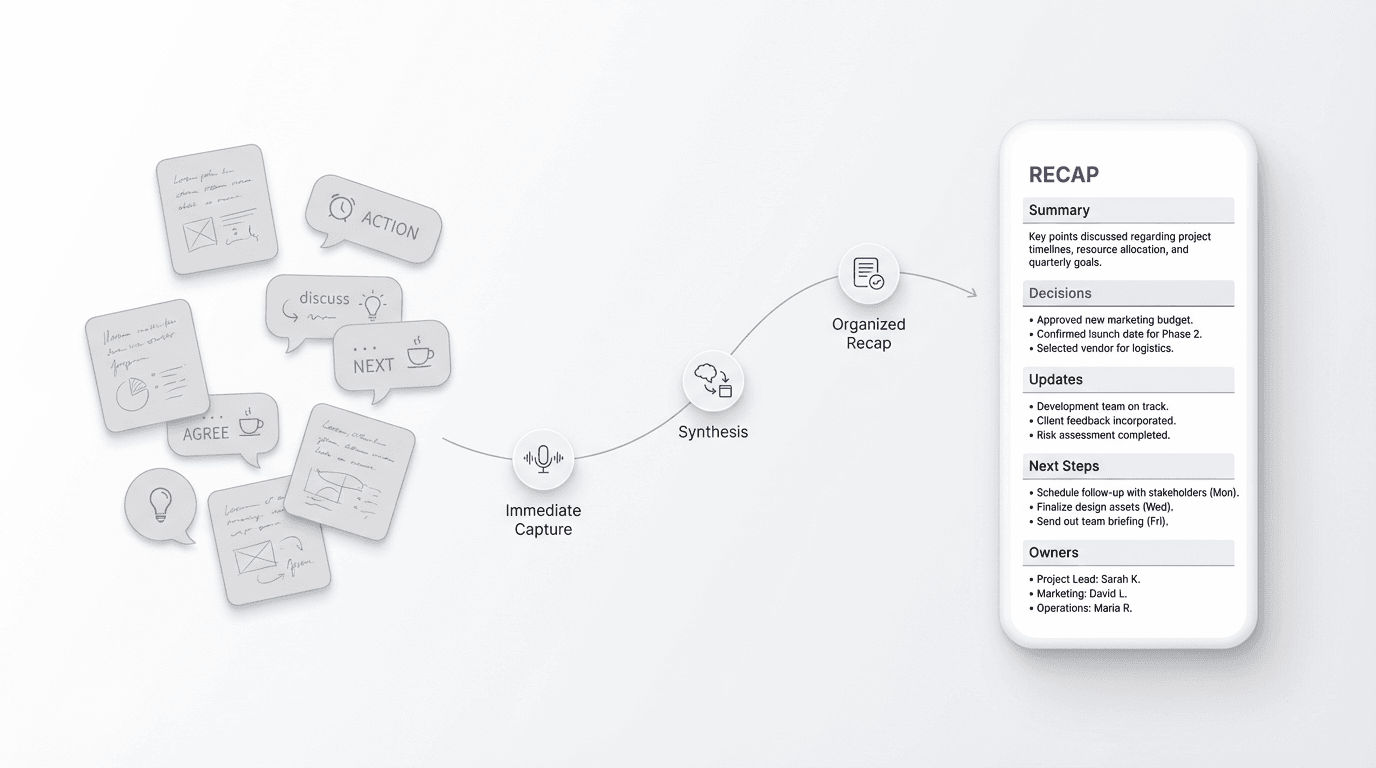
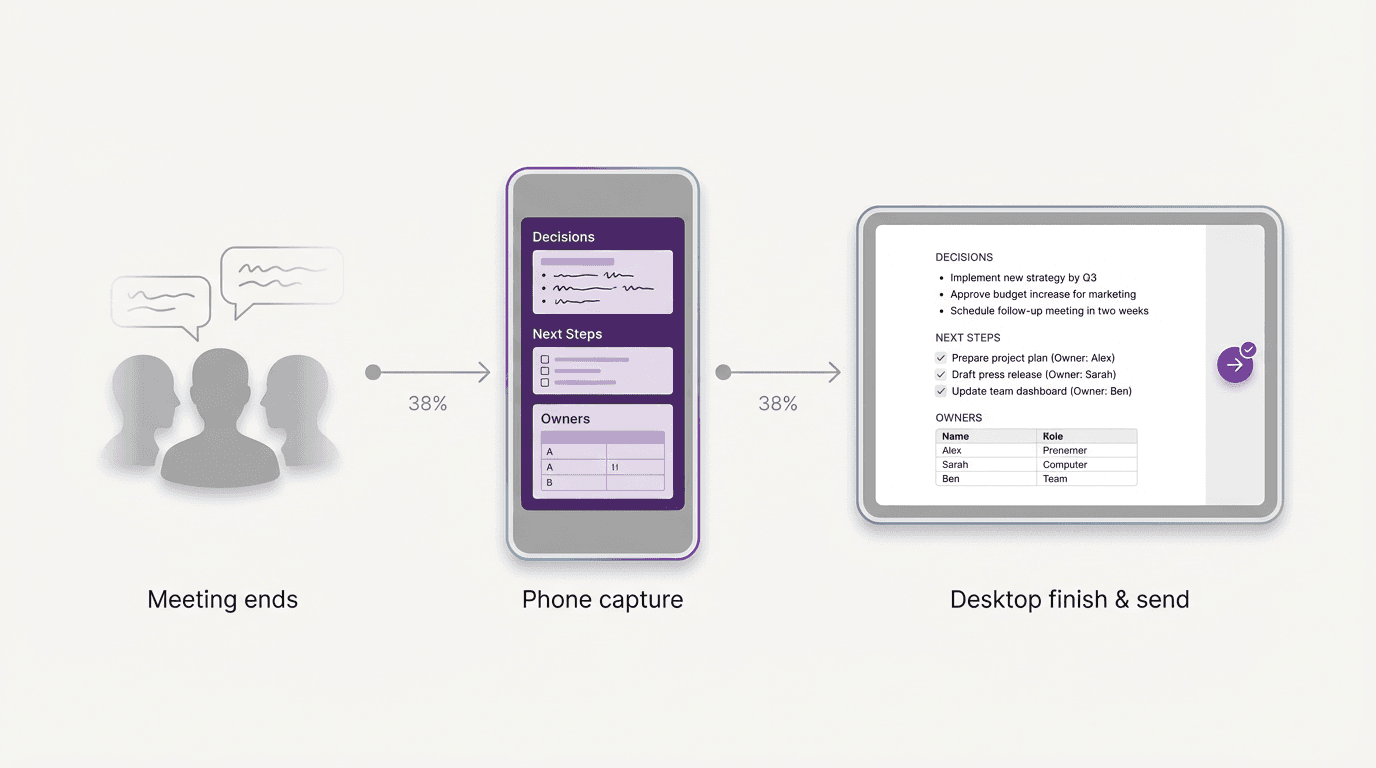
The need for a recap appears immediately after the meeting, while the decisions are still fresh. The fastest move is to capture the structure first, answer a few focused questions, and create the finished version before the logic starts to blur. A phone can make that capture convenient, but the stable brief is what keeps the recap useful.
FormaLM supports the handoff from quick structure to finished output, shaping rough meeting material into a version other people can align around.
A meeting recap template keeps the team aligned
People often treat a recap like a cleaned-up record of the conversation.
A summary alone is not enough.
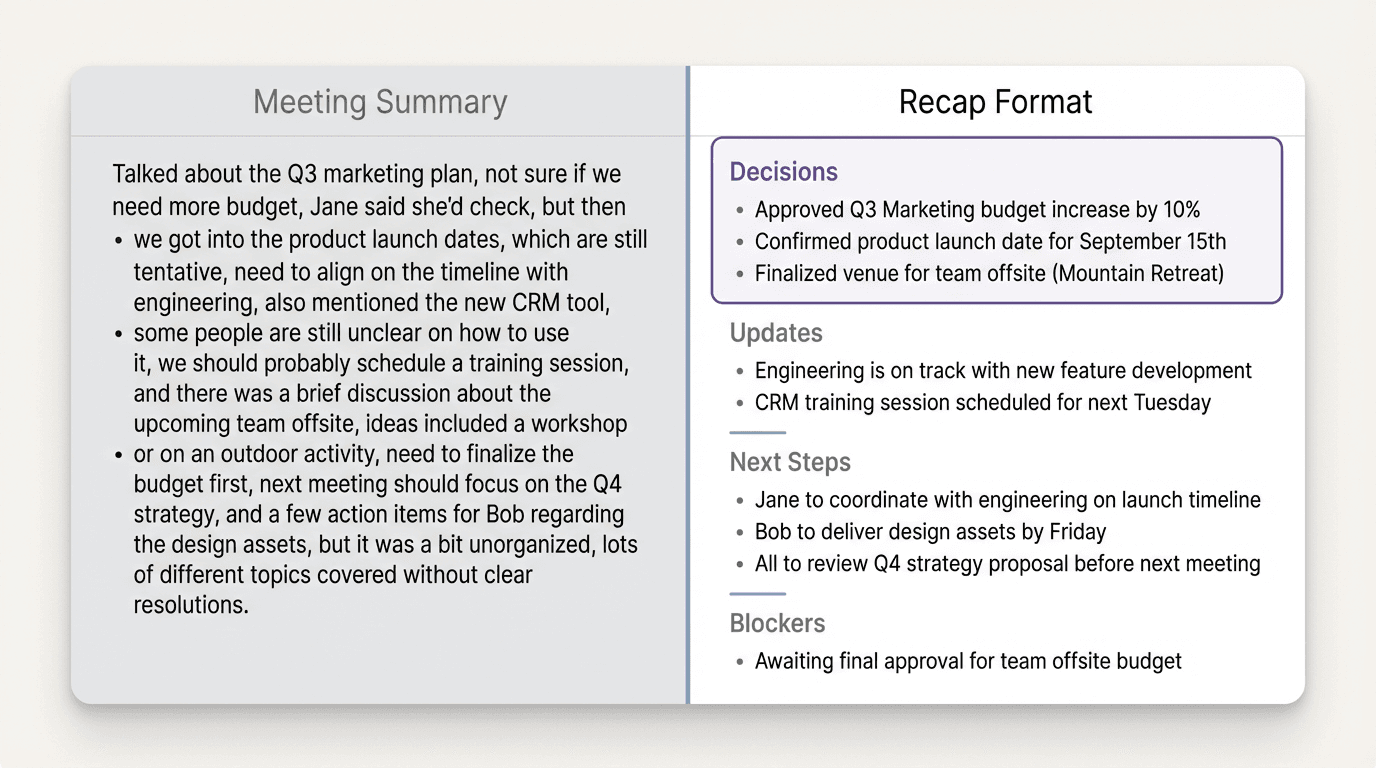
A meeting summary tries to preserve what happened. A meeting recap template should do something narrower and more useful. It should help someone who was in the room, or someone who was not, understand the current state quickly enough to stay aligned.
That means the template is not mainly about completeness. It is about orientation.
A strong recap answers a small set of questions:
- What was this meeting about?
- What changed or got decided?
- What should people do next?
- What still needs follow-up?
If the document does those four jobs clearly, it becomes usable. If it tries to preserve every turn of the discussion, it gets longer without becoming more helpful.
The best meeting recap template is usually shorter than people expect. Its job is to move the work forward, not store the whole meeting.
What a reusable meeting recap template should include
A reusable meeting recap template should be light enough to fill quickly, but complete enough that nobody needs to reconstruct the meeting from memory.
For most recurring weekly meetings, the structure below is enough:
- meeting name and date
- one-line purpose or context
- key decisions
- important updates
- next steps
- owners and timing
- open questions or blockers
Those four parts are the core of the recap.
You can add attendees when the group changes often. You can add links when the recap needs to point back to notes, a doc, or a deck. But the main value comes from the parts that change alignment, not the administrative details.
The discipline is important here. If every weekly recap becomes a miniature project document, people stop sending them on time. If the template is too thin, readers still have to ask what happened.
The useful version sits in between: fast to fill, clear to scan, and stable enough to reuse every week.
A meeting recap template you can reuse every week
Here is a practical meeting recap template for weekly team syncs, project reviews, and recurring cross-functional meetings:
Meeting:
Weekly Growth Sync
Date:
March 28
Purpose:
Review launch readiness for the new onboarding flow and confirm what needs to happen before next Friday.
Key decisions:
- Launch stays on schedule for April 5.
- Paid traffic will not start until onboarding email copy is approved.
- Customer success will review the help center update before publish.
Important updates:
- Product confirmed the final onboarding screens.
- Design delivered revised mobile mockups.
- Analytics event naming still needs one final check.
Next steps:
- Finalize onboarding email copy.
- Confirm analytics events with engineering.
- Share help center draft for review.
Owners and timing:
- Mia: finalize onboarding email copy by Tuesday
- Jordan: confirm analytics events by Wednesday
- Elena: send help center draft by Thursday
Open questions or blockers:
- Waiting on legal review of one onboarding line
- Need final sign-off on the welcome email subject line
This format works because it separates the recap into readable jobs. The reader does not have to infer what was decided from a long paragraph. The next steps do not disappear inside general notes. The blockers are visible before they create surprise later in the week.
Why many meeting recaps do not get sent
Most unsent recaps fail for one of three reasons.
The first is timing. The longer the gap between meeting and recap, the more the writer has to reconstruct instead of shape. What felt obvious ten minutes ago now requires interpretation.
The second is format uncertainty. If you do not already know what sections the recap needs, the blank page feels heavier than it should. People start editing sentences before deciding the structure, which slows everything down.
The third is over-compression in the wrong places. A writer tries to collapse the entire meeting into one polished paragraph, which sounds efficient but hides the actual decisions and actions inside prose.
A reusable template gives you a starting point, shortens the time from meeting to first draft, and keeps important details from getting buried.
The goal is not to write a beautiful recap. The goal is to send a clear one while the meeting still feels current.
Capture the recap while the meeting is still fresh
Most recap advice misses the next step: capturing the useful details while they are still fresh.
The need for a meeting recap happens immediately after the meeting, and that moment is rarely a dedicated writing block. You might still be walking out of a room, heading to another call, or leaving a quick note between meetings.
Do not wait for ideal conditions. Start by capturing the structure in the tool that is closest:
- Write the meeting name or purpose.
- Drop in the two or three most important decisions.
- Add the next steps with owners.
- Note any blocker that could delay execution.
That small capture is often enough to preserve the useful logic of the meeting.
You can tighten wording, add links, and clean formatting before you send the finished version. But the hard part is not the cleanup. The hard part is catching the structure before it dissolves.
A template is more useful than a blank note at this stage. It lets you move from raw recall to a usable recap faster. FormaLM asks for the details the recap needs, puts them into the right sections, and lets you continue without starting over on another device.
Keep decisions, updates, and next steps separate
One reason weekly recaps become hard to scan is that they blend every type of information into one list.
But decisions, updates, and next steps are not the same thing.
- Decisions tell the team what changed.
- Updates tell the team what is true right now.
- Next steps tell the team what needs to happen next.
When those categories get mixed together, the reader has to decode the meaning of each bullet. That adds friction every single week.
A better meeting recap template keeps them visibly separate. This makes the recap easier to scan and forces the writer to decide what kind of information each line contains.
That small classification step is useful. It turns a loose post-meeting note into a clearer alignment document.
When a shorter recap is better than a fuller one
Not every recurring meeting deserves a long recap.
For weekly internal meetings, the best template is often the one that gets sent consistently. If the team already has full notes elsewhere, the recap can stay intentionally compact. It only needs to surface what changed, what matters now, and what to do next.
A shorter recap is usually better when:
- the same people attend every week
- the meeting covers a stable project or workflow
- full notes already exist in another document
- the main need is alignment, not archival detail
In those cases, the recap should act more like a decision-and-next-steps layer than a duplicate record.
That constraint keeps the weekly version light enough to repeat without turning recap writing into a second job.
A simple weekly meeting recap template
If you want the lightest reusable version, use this:
That structure is enough for most weekly recaps.
You can keep it in a notes app, a team doc, or a shared workspace. The important thing is to reuse the same shape often enough that the drafting overhead keeps dropping. Over time, the template does more than save time. It trains the team to expect a cleaner post-meeting output.
The best meeting recap template is the one that gets you to send
The value of a meeting recap template is speed to alignment. It reduces the distance between the end of the meeting and a usable update, while the key decisions are still clear.
Start while the information is fresh, introduce structure early, and finish in the same flow.
Many recaps stay unsent because the process from notes to finished version is still too slow. A better template fixes part of that. A better structure-first workflow fixes the rest.
FormaLM helps rough post-meeting material become a finished, shareable output before the moment for alignment passes.