
Introduction
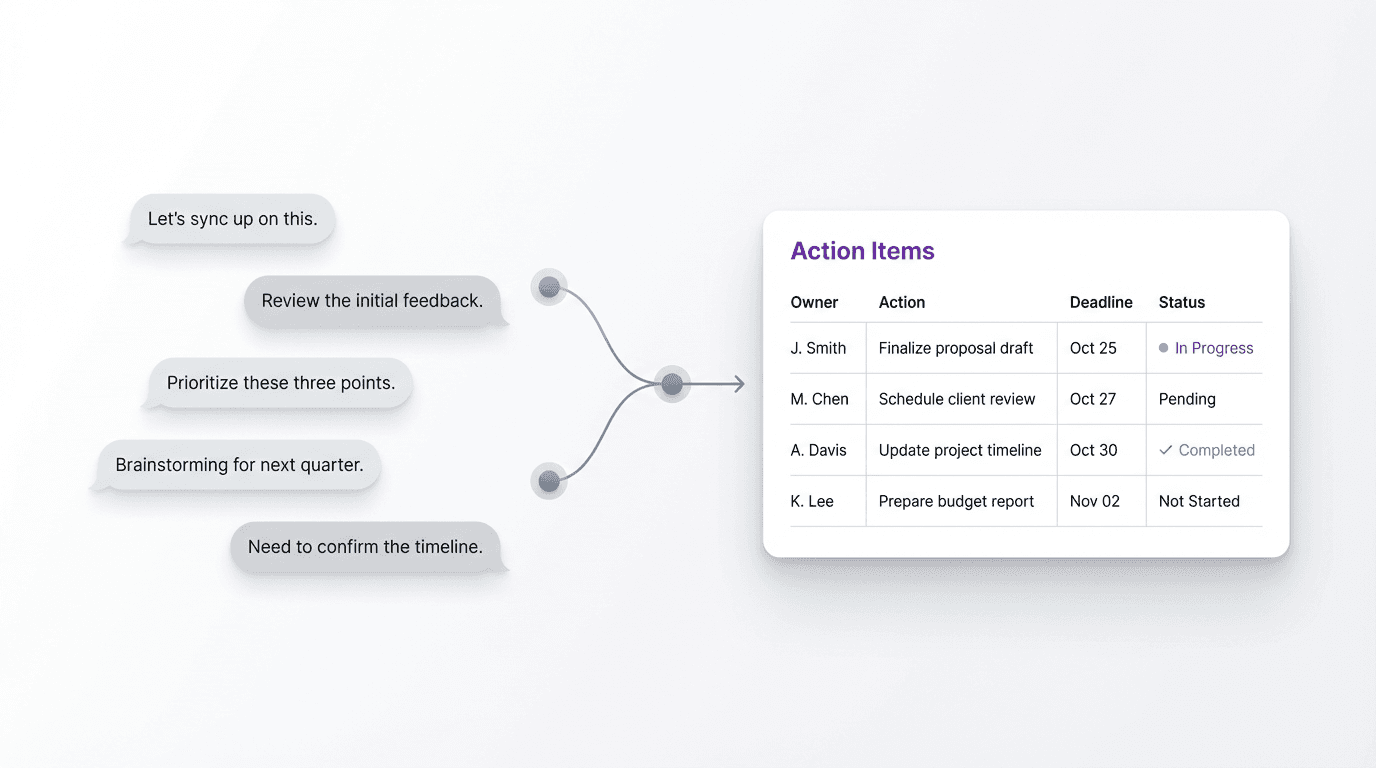
A meeting action items template turns loose discussion into a compact execution format, with visible ownership, traceable decisions, and clear next steps.
For teams that already have plenty of notes, the priority is converting conversation into a post-meeting output that can guide work.
A meeting action items template is not the same thing as meeting notes
Meeting notes preserve the conversation. Action items shape what happens next.
That sounds simple, but it changes what the document is for.
Notes are allowed to be chronological, messy, and broad. They can contain context, side comments, unresolved questions, and fragments that only make sense if you attended the meeting. Action items have a narrower job. They need to tell the next person what needs to happen, who owns it, and when it matters.
When teams mix these two document types together, the output gets blurry. The meeting record becomes too long to scan quickly, and the action list becomes too vague to execute confidently.
The cleanest workflow often leaves the notes intact and creates a separate action list from them.
What a useful meeting action items template needs to capture
A meeting action items template does not need to include everything. It needs to include the few fields that make follow-through real.
For most teams, that means:
- action item
- owner
- due date or timing
- status
- context or dependency
Some meetings also need a decision field, especially when the action only makes sense in relation to a choice made during the discussion.
The key is restraint. If the template becomes a miniature project plan, people stop filling it out. If it is too light, it fails at handoff.
The best format sits between those extremes. It captures only what the next person needs in order to act without reopening the entire meeting in their head.
A reusable meeting action items template
Here is a practical meeting action items template that works well for recurring team meetings, cross-functional syncs, and project reviews:
| Action item | Owner | Due date | Status | Context or dependency |
|---|---|---|---|---|
| Rewrite onboarding email draft | Mia | March 26 | In progress | Needs approved product screenshots |
| Confirm launch review attendees | Jordan | March 24 | Not started | Depends on final stakeholder list |
| Share revised pricing deck | Elena | March 27 | Blocked | Waiting on finance sign-off |
This format works because each row answers the questions that usually create drag after a meeting:
- what exactly needs to happen
- who is responsible
- when it should happen
- whether it is already moving
- what might block it
Those fields support action without making the document feel heavy.
Why vague action items break follow-through
Most teams do not struggle because they forget to record tasks. They struggle because the tasks are written at the wrong level of clarity.
Action items like “follow up on pricing,” “review onboarding,” or “sync with design” sound responsible, but they leave too much interpretation open. What is the actual deliverable? Who decides it is done? What comes first if there is a dependency?
That ambiguity creates delay.
People hesitate because the work is still under-shaped. The action item exists, but the next move does not.
A strong meeting action items template helps fix that by forcing each task into a more usable unit. Instead of “review onboarding,” the item becomes “send revised onboarding flow comments to design.” Instead of “sync with finance,” it becomes “confirm whether finance approved the Q2 pricing assumptions.”
The shift is small, but it changes the execution quality of the list.
How to turn meeting notes into action items faster
Many teams lose time after the meeting because they have notes but still need to reconstruct the action list.
That delay is expensive because the meeting context starts fading immediately.
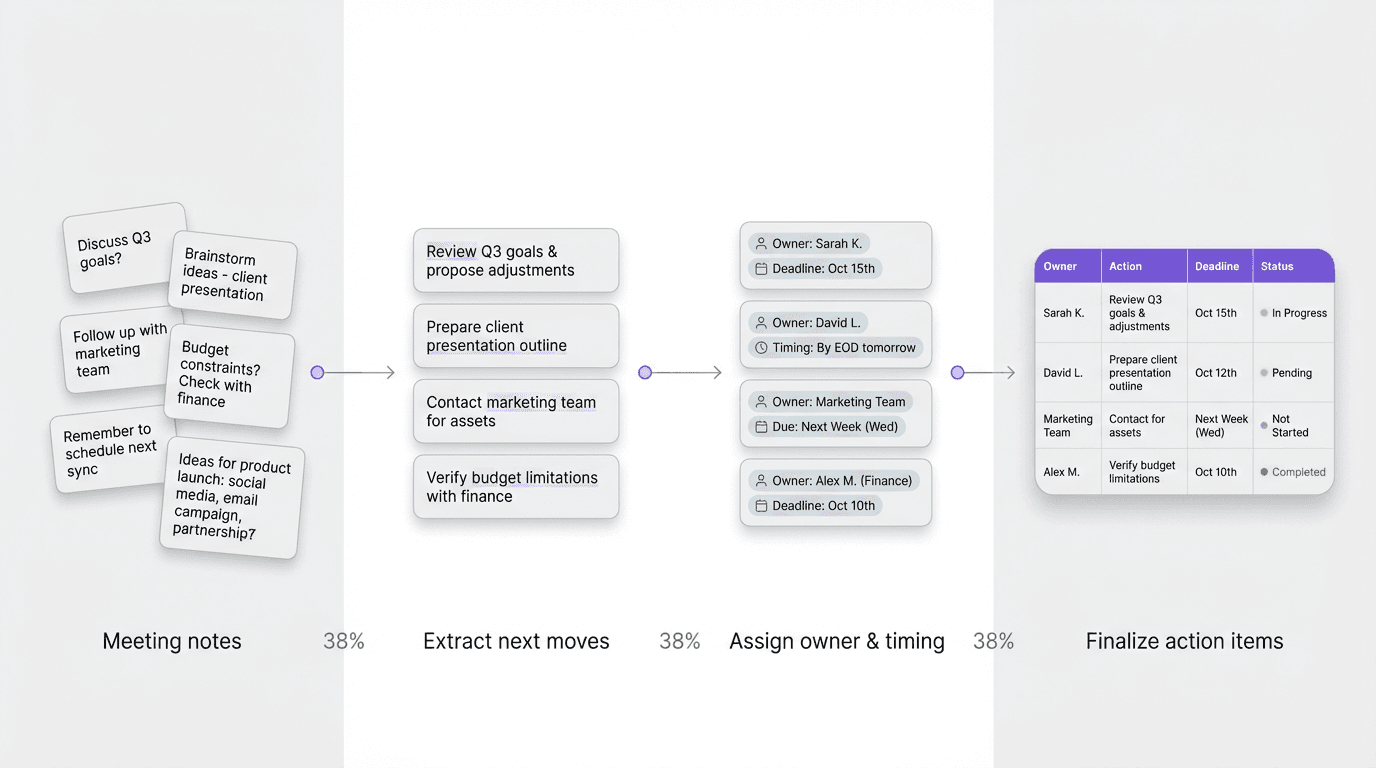
The faster move is to convert notes into action items while the meeting logic is still clear. In practice, that usually means:
- pull out anything that implies a next move
- separate decisions from actions
- assign the clearest owner available
- add timing while the urgency is still visible
- note the one dependency that could block execution
The goal is not to perfect the list. It is to get the output into an execution-ready shape before it turns into another interpretation task.
FormaLM helps at this stage by separating rough meeting material into actions, decisions, and background. The team does not have to rebuild those categories from one undifferentiated summary.
The template works better when decisions stay visible
One reason action items get lost is that the document contains tasks without the decision context that produced them.
For example, “prepare revised launch page copy” is clearer if the team also records that the homepage launch was moved back one week and the messaging focus shifted to existing users. Without that context, the task can still be completed, but it is easier for the work to drift.
Many teams benefit from a paired structure:
- decisions
- action items
You do not need a long summary. You just need enough decision context to anchor the task list.
The paired structure works well for product reviews, planning meetings, and cross-functional calls where actions depend on tradeoffs made in the room.
When to use a table, and when to use grouped action sections
A table is usually the best default because it is compact and easy to scan.
But not every meeting needs the same action format.
If the meeting produces a high volume of tasks across teams, grouped action sections may work better. For example:
- Product
- Design
- Marketing
- Operations
Inside each section, you can still keep the same fields: action, owner, due date, status, dependency.
The important thing is consistency. The more often the team sees the same action structure after a meeting, the less effort it takes to interpret the output.
That consistency is part of what speeds follow-through. People stop decoding the format and start acting inside it.
A simple meeting action items template you can reuse
If you want a lighter version for day-to-day use, this compact template is often enough:
You can repeat that five-field block for each item, or convert it into a table depending on the context.
The best version is the one your team will use immediately after the meeting. A simpler template that gets filled consistently is more useful than a perfect template that only works when someone has extra time.
Better meeting outputs lead to better execution
Agendas, note-taking habits, and facilitation all matter. Follow-through also depends on the quality of the post-meeting output.
A good meeting action items template gives the discussion a cleaner ending. It turns open loops into owned tasks. It separates action from background. It makes deadlines easier to see and dependencies easier to spot.
A strong format helps the work move after the conversation ends.
The meeting does not really finish when the call ends. It finishes when the next steps are clear enough to execute.