Step-by-step guide generator
Turn rough process material into a guide with one clear action at a time.
See real web page outputs
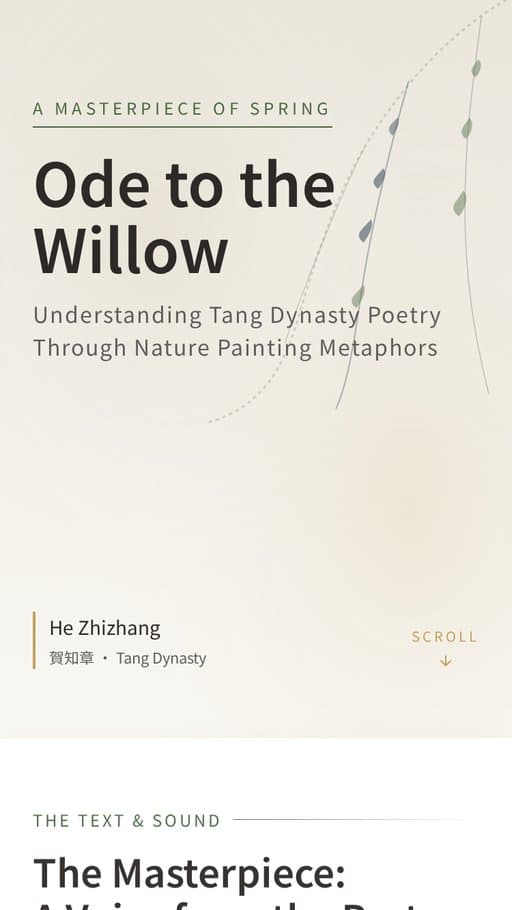
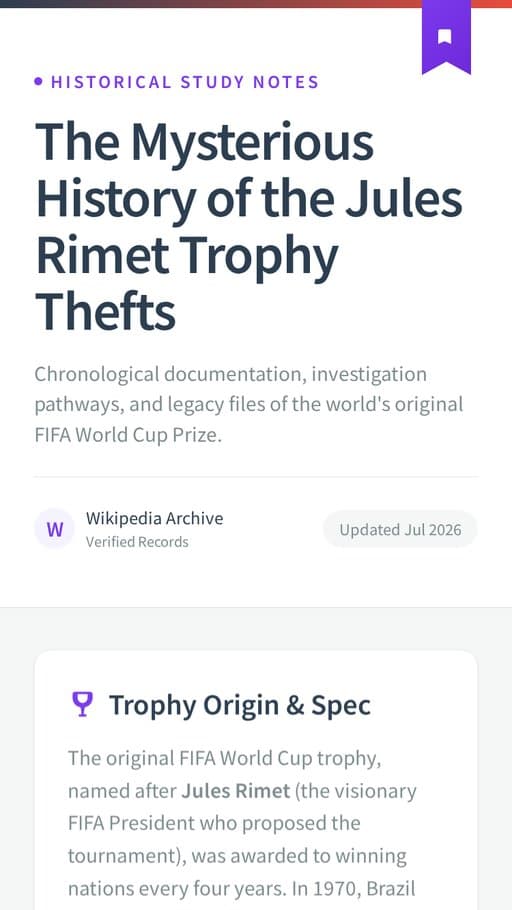
These are real FormaLM examples in the same output format.
Bring the material. Choose the finish.
The template supplies the structure between the two.
- Start with
- TextDocumentsImagesLinks
- Finish as
- Web pageCarouselInfographic
Start with a real task
Open the template with the job already in focus.
Questions that fit the task
Start with what you know. FormaLM asks for the details this task needs before generation.
Defines the finish state first
The template asks what the reader should be able to complete, so the sequence has a clear boundary.
Orders rough process material
Add notes, documents, screenshots, and links. FormaLM uses them as evidence for the draft rather than flattening them into one prompt.
Separates actions from guidance
The structure keeps the next action visible while giving checkpoints, useful context, and common mistakes their own place.
Finishes in the right format
Keep the result as a web page or reshape it into a carousel or infographic for a different reading context.
Ways to use this template
Choose the situation closest to the work you need to finish.
- 01
Turn internal knowledge into testable instructions
Give FormaLM the process your team already follows, even if it only exists in notes, documents, and screenshots.
A clear sequence another person can complete and verify. - 02
Publish a step-by-step tutorial
Organize actions, checkpoints, and guidance around one visible result instead of starting from an empty page.
A structured draft ready for editing and publishing. - 03
Explain a product workflow
Use product images and operating details to show users how to complete a task.
A focused walkthrough with less missing context.
Where the workflow starts
FormaLM begins with the task, source material, and intended format already defined.
| Decision | General AI chat | Manual tools | FormaLM |
|---|---|---|---|
| Starting point | An open prompt | A blank document or canvas | A goal plus process material |
| Structure | Depends on prompt quality | Built section by section | Steps, guidance, and mistakes are part of the format |
| Source material | Often pasted into one conversation | Collected and arranged by hand | Text, documents, images, and reference links |
| Finished output | Usually plain text | Requires manual composition | Web page, carousel, or infographic |
Who this template helps
Use it when you know the job and want a structured first draft.
Operations and enablement teams
Document repeatable processes without starting from an empty SOP.
Product and customer teams
Turn product knowledge into walkthroughs customers can act on.
Educators and independent creators
Build practical tutorials with a clear learning outcome.
Common questions
What you can add, which formats are available, and how to review the result.
What can I add to the step-by-step guide generator?
You can add a goal, rough steps, notes, documents, screenshots, and reference links. The goal defines the finish state. The source material gives the draft useful process context.
Can I create a step-by-step guide from screenshots?
Yes. Add screenshots as image source material and include a short note about the workflow and result the guide should explain. Review the sequence and interface labels before publishing.
What formats can I create?
The template starts as a web page and also supports carousel and infographic outputs.
Does FormaLM publish the guide automatically?
FormaLM creates a structured, editable output. You choose where and when to publish it.
What if I only have a rough idea?
Start with the outcome and whatever process material you already have. FormaLM asks focused questions to complete the brief before it creates the guide.
Related templates and formats
Choose another template when the material needs a different structure.