
Introduction
Often, the trigger happens while reading. You reach a section and immediately think this should really be a graphic. That instinct is useful: the material may be valuable, but the current format is heavier than the audience needs.
FormaLM supports this conversion by defining the target format early, before the task expands into a full redesign project.
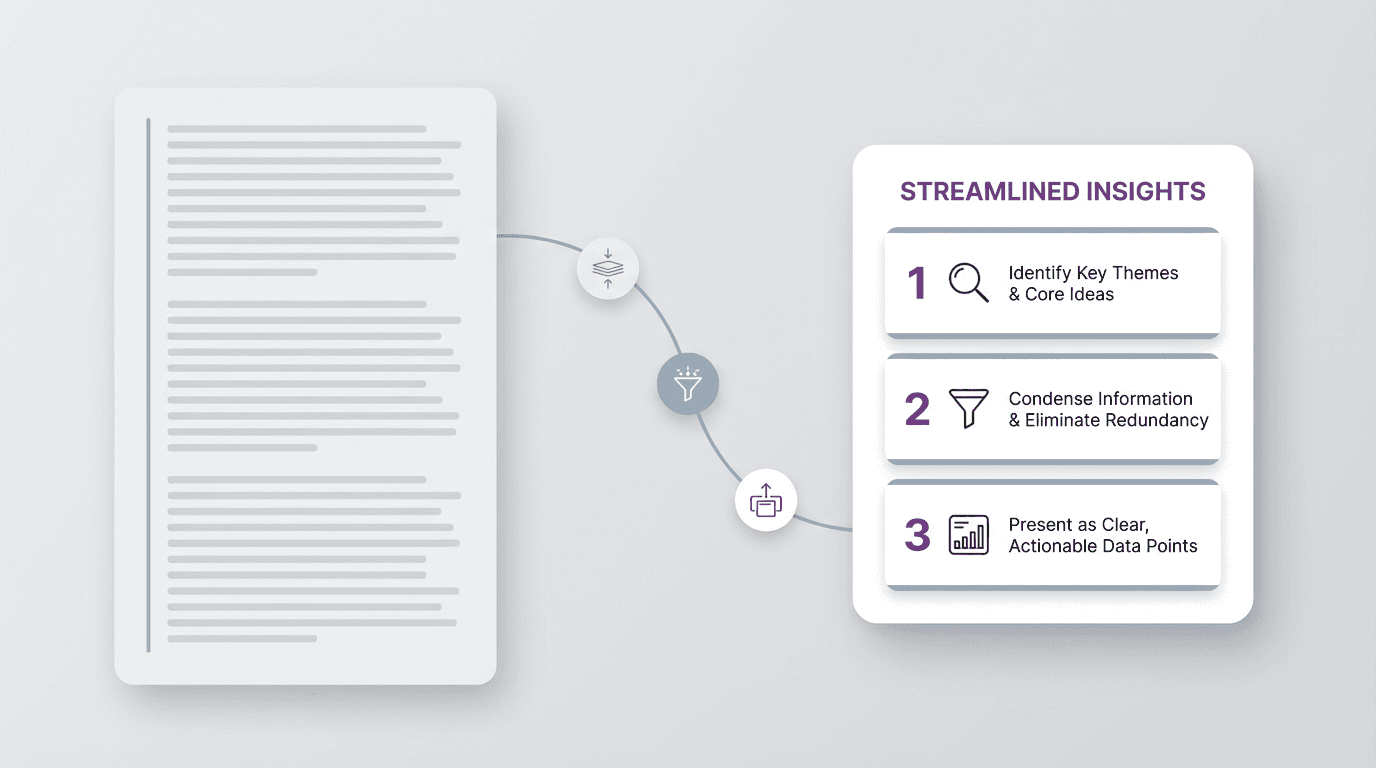
Turning an article into an infographic starts with reduction, not design
Opening a design tool too early pushes the main editorial decision downstream. The article is still too long, layered, or linear for a graphic, so summarizing and layout decisions become tangled together. Start by reducing the material.
Before asking what the infographic should look like, ask what kind of information the article really contains. Is it mostly a process? A comparison? A set of takeaways? A before-and-after explanation? A framework? A ranked list?
Once the underlying structure is visible, the infographic only needs to hold that reduced form.
Decide what kind of infographic the article should become
Not every article wants the same infographic form.
Most article-to-infographic conversions fit one of a few clear shapes:
- key takeaways
- step-by-step process
- comparison
- framework
- before and after
- timeline
The right choice depends on what the reader should understand fastest.
If the article explains how something works, a process graphic may be the cleanest form. If it weighs alternatives, a comparison layout is usually stronger. If it argues for a new way of thinking, a framework or before-and-after structure may hold the article better than a list.
Choose the format before the styling. The infographic should be a compressed answer to the article's real job, not a visual copy of its paragraphs.
Pull out the points that deserve to survive
Once the format is clear, the next move is selection.
An article has room for setup, examples, transitions, qualifiers, and side notes. An infographic does not. People scan it for the main point instead of reading a full argument.
So the question becomes simple: what absolutely needs to survive the format change?
Usually that means:
- the main claim
- the few points that support it
- one sequence or relationship that makes the logic clear
- one conclusion or action the reader should leave with
Everything else is negotiable.
Selection does not have to make the infographic shallow. It concentrates the article's value into a smaller, clearer unit.
Rewrite for visual reading, not article reading
Even after reduction, the language may still behave like prose.
Infographics need a different level of sentence pressure. Shorter labels. Cleaner hierarchy. Less explanation per block. Stronger parallel phrasing. Less throat-clearing.
What sounds reasonable in a paragraph often feels bloated inside a visual.
For example, a sentence like "One reason teams struggle with recurring updates is that the information is gathered across the week in fragmented moments rather than in one stable drafting session" may work well in an article. But in an infographic, that same idea may need to become something more compact, such as:
- Recap material appears in fragments across the week
- The problem is not missing information
- The problem is rebuilding the update from zero
The meaning remains, but the wording now works at a glance.
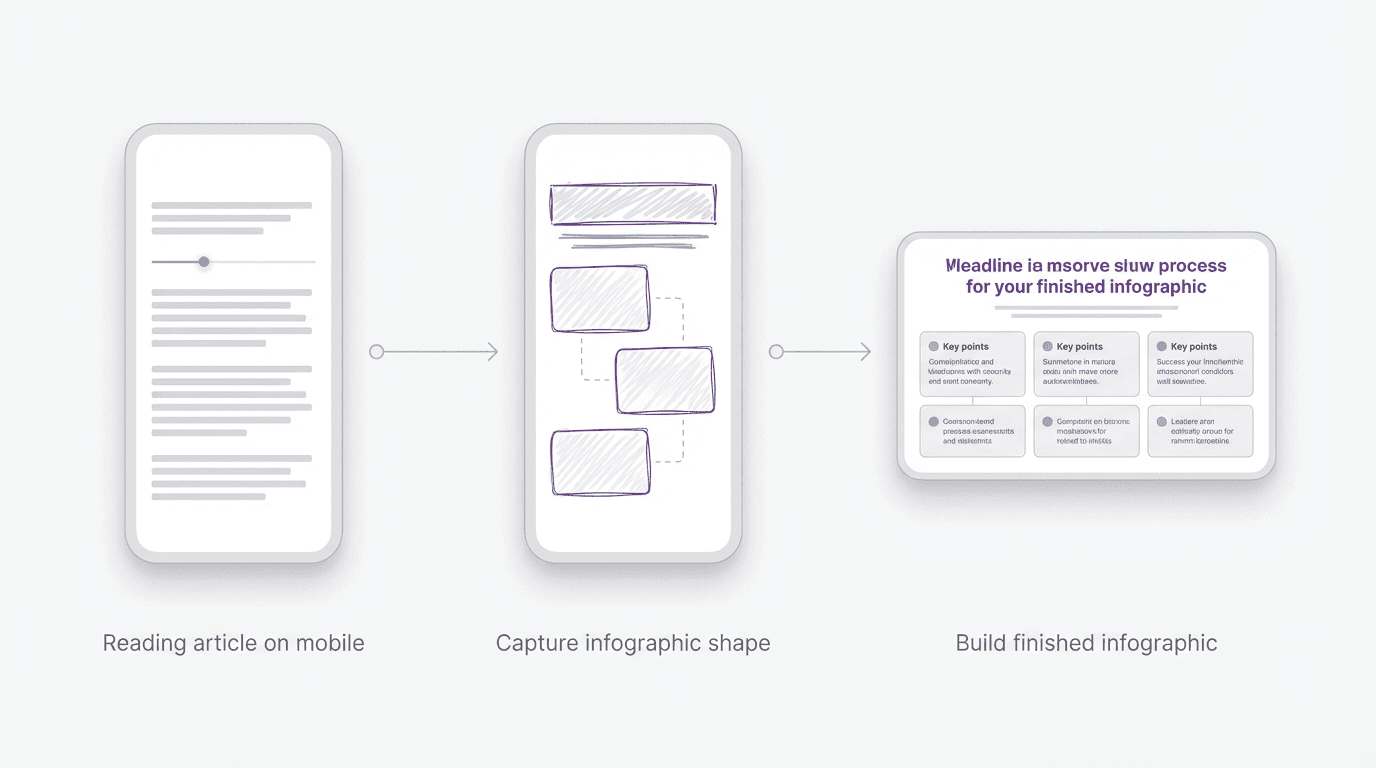
Capture the visual spine while the article is still fresh
Many infographic ideas begin the moment you read something and notice that the article contains a cleaner visual spine inside it.
Capture that shape while the article is fresh. A lightweight first pass usually means:
- save the headline or central claim
- note the three to five points that should survive
- mark the likely format: process, comparison, framework, or takeaways
- leave one note about what the visual should help people understand faster
Those four notes are enough to preserve the structure.
Later, you can finish the reduction, tighten the language, and move into the visual layer. But the important part is catching the conversion logic while the article is still fresh in your head.
FormaLM keeps this early shaping work light by turning “make this visual later” into a defined format with material ready for the visual layer.
Use a simple article-to-infographic checklist
If you want a repeatable workflow, use a short checklist before designing anything:
- What is the article's real claim?
- What is the best visual format for that claim?
- Which three to five points must survive?
- What can be cut without harming understanding?
- What should the reader understand within five seconds?
The checklist keeps the work focused on the article's fastest understandable form.
A consistent reduction process makes repeated article conversions much easier for content marketing, teaching materials, internal enablement, product education, or social distribution.
When the article should stay an article
Not every article deserves infographic treatment.
Some pieces depend on nuance, voice, pacing, or a gradual argument. Turning them into a graphic may remove too much of what makes them useful.
The best candidates for conversion are usually articles that already contain a clear transportable structure:
- a method
- a process
- a comparison
- a set of principles
- a sequence of decisions
When that structure is present, the infographic can sharpen the article. When it is not, the visual may only become a thinner copy of the source.
Use that distinction as a filter before starting the conversion.
Turning an article into an infographic works best when the format is clear early
The main difficulty is deciding what the article should become once the goal changes from reading to quick understanding. The source, claim, and supporting points already exist. A clear format lets that information land faster.
The conversion is repeatable: identify the structure, select what survives, rewrite for visual reading, and then design. FormaLM helps move a strong article through those decisions and into a graphic-ready draft.